

Get this app from Google Play Store for automatic updates & security. Use APK if Play Store is unavailable in your region or you need an older version.
Screenshots
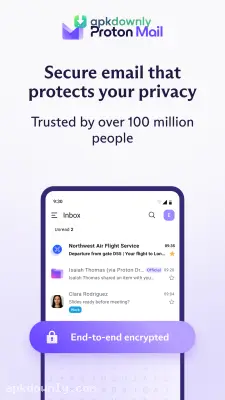
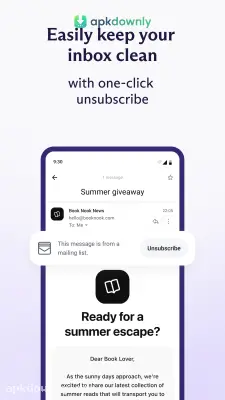


Screenshots from Google Play
More in Communication
View all →


About this app
ProtonMail
ProtonMail is an email service built around keeping your messages private. It looks and works like most other mail apps you’ve used. But the underlying tech is completely different.
If you want to stop tech companies from scanning your receipts and personal letters, downloading the ProtonMail APK is a good starting point. You get a clean inbox without the constant targeted advertisements. The servers storing your data are located in Switzerland, putting your information under strict privacy laws.
Sending Encrypted Messages
The main feature is end-to-end encryption. When you type a message and hit send, the app turns your text into scrambled characters. The message stays that way while it travels across the internet.
It only becomes readable again when it reaches the other person’s phone or computer. This means your internet provider cannot read it. Even the developers working at the company cannot see what you write.
You don’t have to make your friends download the app just to talk to you. You can send secure emails to regular addresses on other platforms. The app lets you lock specific outgoing emails with a password.
Your friend gets a link in their normal inbox, types in the password you shared, and reads the message on a secure page. You can even set a timer so the link expires after a few hours or days. The email simply deletes itself from existence after a few hours or days.
Managing Your Private Inbox
Many marketing emails include tiny, invisible tracking pixels. These pixels let the sender know when you opened the message, roughly where you are, and what kind of phone you used. This app blocks those trackers automatically by default. You open a promotional newsletter, and the company on the other end gets zero data back.
The interface keeps things very straightforward. Swipe left on a message to move it to the trash. Swipe right to mark it as read or unread. The app gives you folders and colored labels to keep your work projects and personal messages separated.
The service also includes a very strict spam filter. It catches junk mail before it ever hits your main screen. You can set custom rules to automatically route specific senders straight into designated folders.
You also get a built-in calendar connected to the app. It shares the exact same strict privacy rules as your inbox. Your daily schedule and doctor appointments stay completely hidden.
How to Install the ProtonMail APK
Setting up this secure email app on your Android phone only takes a minute. Follow these quick instructions to get your new account running.
1. Download the file on a reliable website directly onto your phone’s internal memory.
2. Go to your Android settings and choose the Security or Privacy option.
3. Make sure that the Unknown Source option is enabled.
4. Now, look for the file you just downloaded using your File Manager.
5. Complete the easy installation instructions by simply following what’s on your screen.
Launch the application from your home screen and pick your new username to create a free account. Grab the ProtonMail APK today to stop advertisers from reading your daily conversations. Write your account recovery phrase in a physical notebook just in case you ever forget your main login password.





