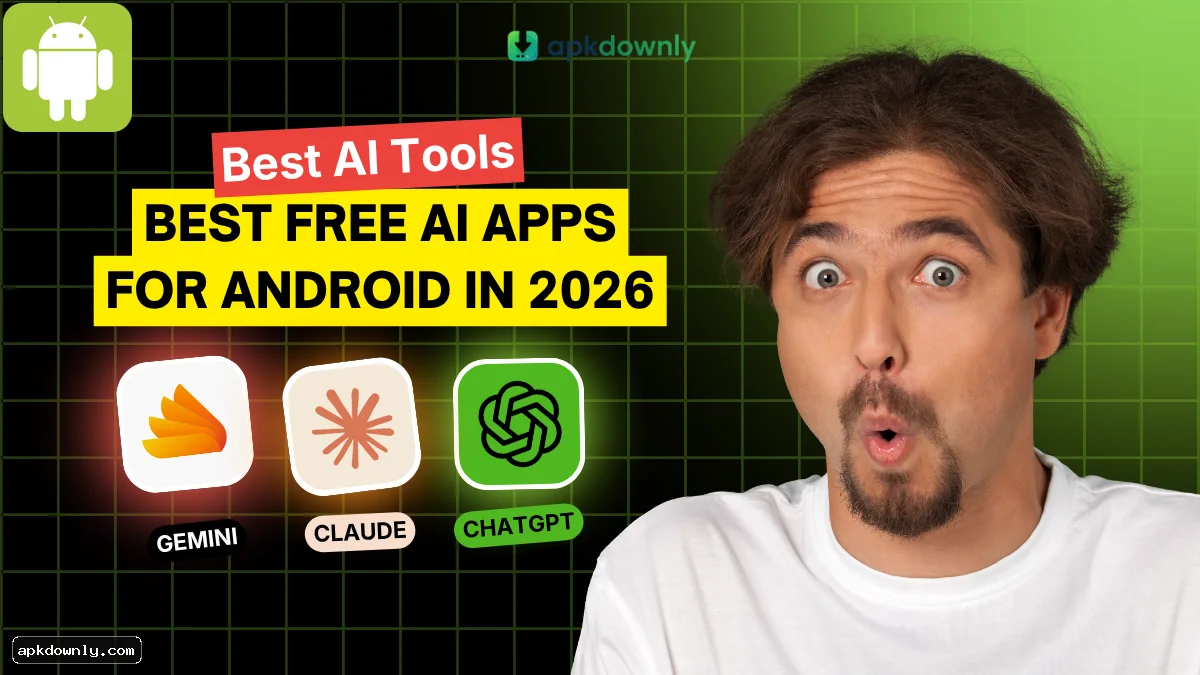
Looking for the best free AI apps on Android in 2026? This is exactly where you need to be.
AI tools have steadily grown into the everyday helper you didn’t know you needed. Need a quick email draft? Want cleaner grammar? Looking for a straight answer without digging through ten tabs? These apps handle it without the usual hassle.
Mobile screens aren’t exactly built for writing long messages or reading dense documents. Free AI apps fill that gap perfectly. No more wrestling with long typing sessions or endless scrolling—simply instruct the app to summarize this, rewrite that, or put together a solid first draft, and it delivers right away.
The best part? You don’t have to pay monthly fees for every tool. The ones on this list let you use their most useful features completely free, so you get real help without the subscription fatigue.
List of Free AI Apps for Android in 2026
Let us look at the top options you can download right now. Each one handles different kinds of tasks.
1. ChatGPT
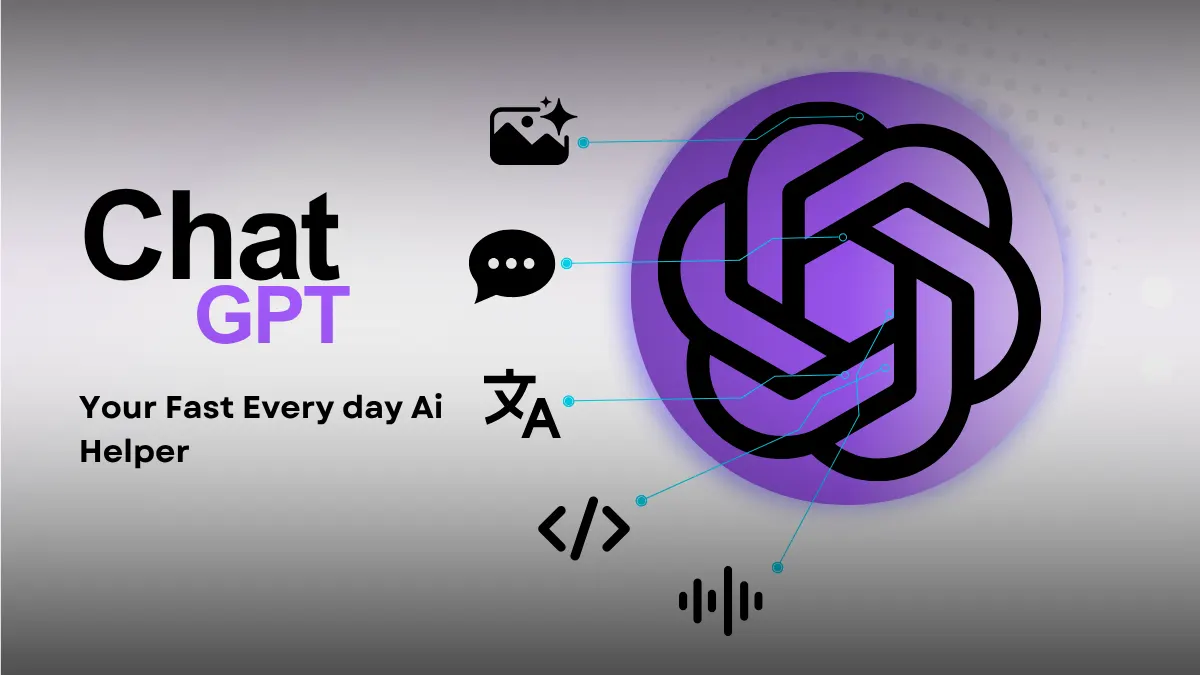
ChatGPT is the AI app most people download first. It acts like a fast helper that actually gets how you talk. You can use it to find answers, write out code, or translate text. It also reads and describes photos you upload.
The voice mode is the best feature on the mobile version. You can talk to it out loud while you drive or walk around. And it talks right back.
Casual users mostly keep it around for quick writing help and random daily questions. The free version gives you daily access to the standard models without paying.
Install the APK file to try the voice features on your own device.
2. Google Gemini
Google built Gemini to live directly inside your phone. It stands in for the old Google Assistant and ties right into the Google tools you rely on. You can have it pull text out of a Google Doc or track down an old email in Gmail. It even handles map directions.
You do not have to copy and paste text between different apps anymore. But this really only benefits heavy Google users who keep their schedules and files tied to a single account.
The app is completely free to install and use.
Download the APK file to set it up as your new default assistant.
3. Microsoft Copilot
Copilot packs several different functions into one clean app. It runs on the exact same technology as ChatGPT. But it includes image generation at no extra cost.
Google Play
You can ask it to write text, search the web, or create custom artwork from your descriptions. The built-in image generator is the biggest draw. You can type a prompt like a cat riding a skateboard, and it'll draw the picture for you. It's a great option for people who want to generate pictures and text in the exact same place.
APKPure
And the whole thing is completely free. You get full access as soon as you sign in with any Microsoft account.
Uptodown
Download the APK file to install the app on your phone.
4. Perplexity
Perplexity works like a search engine that does the reading for you. It skips the long list of links you usually have to click. Instead, it reads live web pages and writes a plain answer using real-time facts.
The footnote links are the best feature. The app puts tiny clickable numbers right next to its claims so you can check where the information came from. It's especially useful for students, researchers, or anyone checking facts.
And the basic search features don't cost anything.
Download the APK file to search the web without clicking through endless websites.
5. Claude
Claude handles heavy reading and writing better than most other tools. It pays close attention to detailed instructions and tone. You can feed it large PDF files, edit rough drafts, or spot logic errors in long documents.
Its natural writing style is the best part. It rarely sounds like a robot, and it avoids clunky phrasing. But keep in mind it's mostly tailored for writers, editors, and programmers who deal with massive walls of text.
And the app offers a free tier, though it comes with a strict daily message limit.
Download the APK file to work through long documents right on your phone.
How to Choose an AI App
Skip downloading the whole bunch. Go with the one that matches your daily habits.
Begin with the tools you actually use. When current news is the priority, pick an app that taps into the live web. Need pictures? Go with Copilot.
Free plans limit how many messages you get. Look for one that still gives you enough daily prompts to finish what you set out to do.
Privacy counts too. Open the data settings and find the switch that keeps the app from saving your chats to train its models.
Check your phone as well. Older Android versions sometimes choke on the newer voice tools.
Are Free AI Apps Safe?
Installing apps on your phone needs a little caution.
Stick to safe sources like the Google Play Store or APKDownly. Take a second to check the developer name on the download page first. Scammers put up fake versions of popular tools all the time.
Watch out for weird permission requests too. A text chatbot has no reason to read your contact list or text messages, so deny those prompts. And steer clear of modified files promising free paid features. They usually pack hidden malware inside.
Check your app permissions in your phone settings right after setup.
Getting Started
Pick the app that matches what you do on your screen the most. If you want the right tool, test a few of the best free AI apps for Android yourself.
Install one today and ask it to write your next grocery list.