
The Weather Channel
Get this app from Google Play Store for automatic updates & security. Use APK if Play Store is unavailable in your region or you need an older version.
Screenshots
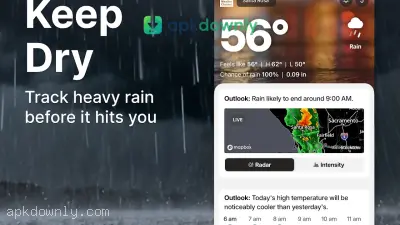
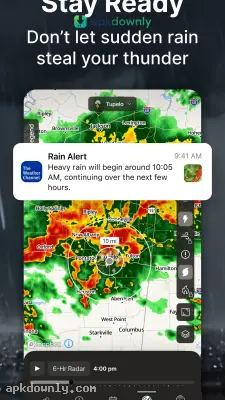
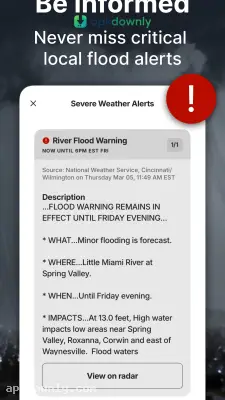
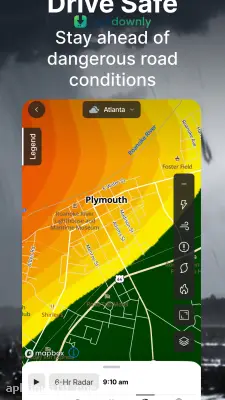
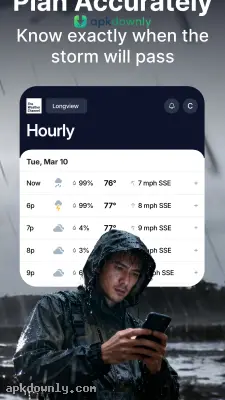
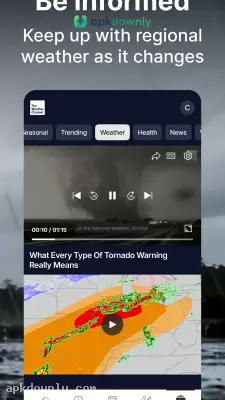
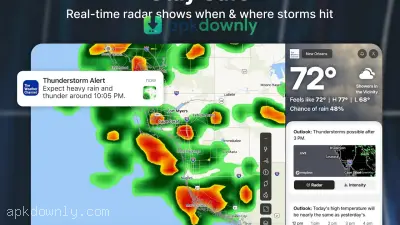
Screenshots from Google Play
About this app
Weather Channel
The Weather Channel APK puts a live weather monitor right in your pocket. No more standing outside squinting at the sky trying to figure out if rain’s coming. One quick look at your phone and you’ll know whether it’s a winter-jacket day or just a light-sweater kind of afternoon. Most default weather apps only give you one vague temperature for the whole region. This one zeros in on your exact spot and shows what’s happening right on your street.
Reasons to Keep The Weather Channel APK Installed
It pulls live Doppler radar for seriously accurate local updates. From the hourly temperature drop to the air quality on your own block, it keeps tabs on everything. People head to apkdownly.com for The Weather Channel APK when they want real numbers instead of a generic guess for the entire state. You get a full 15-day forecast, so you’ve got two solid weeks of data to decide if that Saturday hike is actually worth it. You’ll also spot high humidity days that could mess up outdoor plans later in the week.
The Best Tools Inside the App
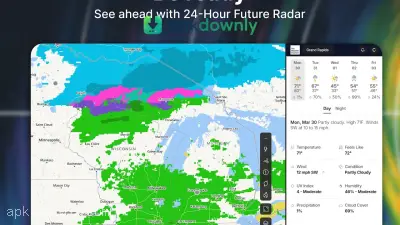
- Live Radar Maps: Watch real rain clouds and snowstorms drift across your local map in real time. Bright colors make the heaviest downpours obvious and show which way they’re heading. Flip to the 24-hour future radar and you’ll see exactly when those storms are supposed to clear your area.
- Severe Weather Alerts: Your phone buzzes the second something dangerous starts forming nearby. Flash floods, sudden temperature drops, high winds—you get the warning right away. That little extra time lets you drag the patio furniture inside or move a picnic before the weather actually hits.
- Feels Like Temperature: The number on the thermometer can be way off. It might say 55°, but a stiff wind makes it feel freezing. The app factors in wind, humidity, and sunlight so you know what it will actually feel like when you step outside.
- Health and Allergy Tracking: If spring usually means a runny nose for you, this section is a daily must-check. It tracks pollen counts for ragweed, grass, and trees in your area, plus the air quality index and UV level so you know when to grab sunglasses and sunscreen.
Setting Up the App
Setting up your personal forecast only takes a minute.
- Install the file: Download the newest file from our site and tap it to install the app on your Android device.
- Turn on location tracking: You only get street-level accuracy once the app knows where you are. Just accept the GPS prompt so it can lock onto your neighborhood.
- Add extra cities: Search for the town your sister lives in or the beach you’re visiting this summer. Save as many spots as you want and switch between them with one tap.
- Add a home screen widget: Long-press your Android home screen and drop in one of the app’s widgets. You’ll get the daily temperature and a mini radar right there so you don’t even have to open the app.
- Customize your notifications: Head into settings and turn off the alerts you don’t care about. That way your phone won’t buzz every time there’s a light drizzle.
Keep an eye on battery life the first few days. Letting a weather map constantly ping your location in the background can drain older phones pretty fast. Just go into Android settings and set the location permission to “only while using the app” and you’ll be fine. Check the radar in The Weather Channel APK before you decide to wash the car today.



