

What is an APK?
APK is the short form of Android Package Kit. It makes an app able to install in android, as it contains all the components for installation. In the Google Play Store, to download an app, you just have to click on the install button in the backend; all the files are extracted automatically, but in apk you have to do it manually.
Are APK files safe?
The safety of an APK depends on the source from which you download it. Is it a popular or trusted source that other users use these sources for APK? It can have some risks, such as.
Spyware or Malware:
Some APK have malware or spyware, as they are modified by cybercriminals to steal your password or high jacking device.
Privacy:
Malicious APK can gain access to your contacts, messages, gallery, and even banking details. By allowing an app with permissions like using the device camera, contacts, location, and storage.
Cracked or Modded Versions:
Most people search for a mod or cracked version of apk for unlimited features and premium features to use, but they don’t know that these files have viruses and malware.
Auto Update:
We cannot update APK automatically; we have to check manually for updates from third parties. The updates are for fixing vulnerabilities and other bugs fixing. So, if you do not update the APK, it will be a greater risk for you.
What to check for a safe APK download?
The safest way to download an APK file is to check multiple things; with these few checks, you can easily find is it safe or not. These factors are.
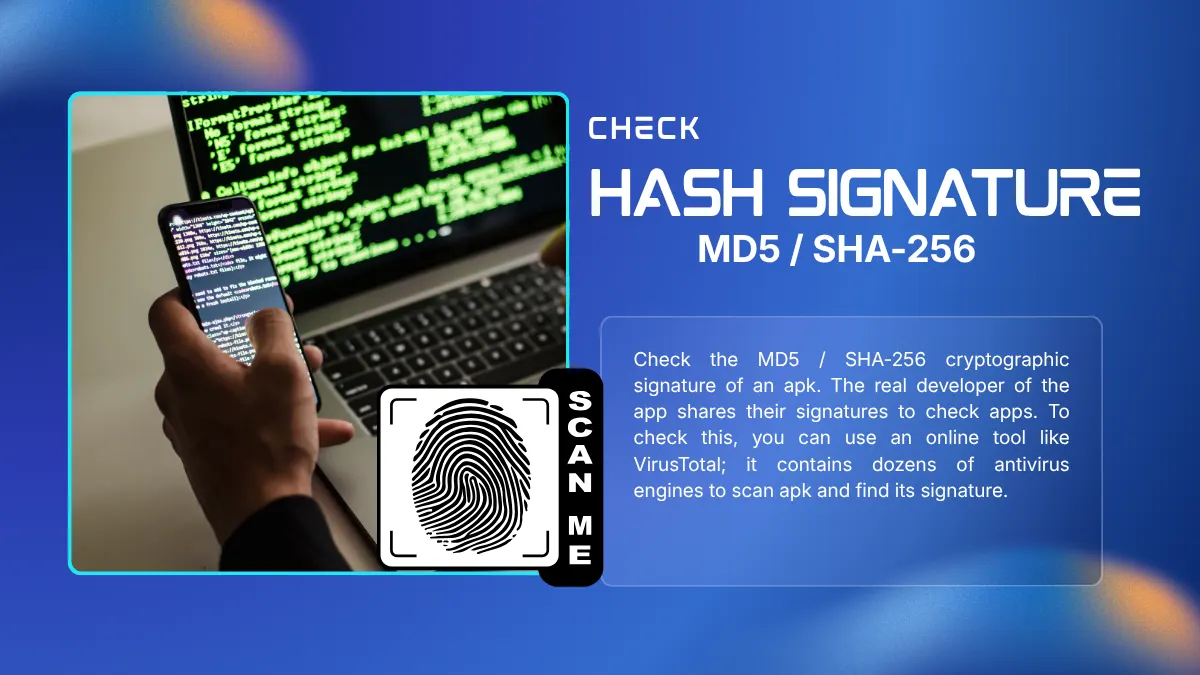
MD5 / SHA-256: Verify File Hash Signature:
Check the MD5 / SHA-256 cryptographic signature of an apk. The real developer of the app shares their signatures to check apps. To check this, you can use an online tool like VirusTotal; it contains dozens of antivirus engines to scan apk and find its signature.
Google Play Protect:
If you are an Android user, so android operating system has their own security system that scans sideloaded apk. This system is known as Google Play Protected this automatically scans sideloaded APKs. If any suspicious activity happens, Google Play Protect will send a notification.
Check Permissions:
When you install the APK, check the permissions that it asks for. If apk ask for unnecessary permissions, like a simple game or a calculator asking for contact or camera permissions, etc. so cancel the installation immediately.
Anti-virus Scanners:
To check if a file has a virus, use a mobile antivirus scanner. Most mobiles have their own scanners, but you can download one.
The Main Types of APK Files You Will Find
When you browse download sites, you usually run into a few specific categories. Here is how they actually break down.
Original APKs:
An original APK comes straight from the developer. Nobody touched the code. These are clean copies of free apps or official updates carrying the developer's real digital signature. If you download one, it acts exactly like the version you get directly from the Play Store.
Modded APKs:
A modded APK is just an altered version of a regular app. People change the code to strip out banner ads, force paid features open, or add cheats to mobile games. But there is a massive catch. The person who tweaked the code could easily slip in background tracking scripts or malware. You never really know what else they hid inside.
Split APKs (APKS and XAPK):
Modern apps get huge. To fix this, developers use split files to send only the exact pieces your phone actually needs. This includes specific screen graphics or regional language packs. You will spot these by their .xapk or .apks file extensions. Your default Android installer can't open them, so you need a specific helper app to get them running.
Beta and Unreleased APKs:
Developers like to test early builds with a small group before a wide release. Grabbing a beta file lets you try new layouts or tools early. And they are usually clean of viruses. But be ready for bugs. The code is still in active testing, so the app will probably crash on you a few times.
Step-by-step Guide to Install an APK safely.
Download an APK from a verified source:
First, download apk that you want, but make sure of the site. Always download APK from trusted websites, like popular ones. Also check that the file size matches the app size.
Scanning File:
Now, before installation, scan the file with antivirus scanner tools to check for viruses or malware inside the file.
Installation Permission:
Once you scan apk, when you install it, the app will ask for permission from the device; simply allow it to install from a third party.
Additional Permissions:
The apk will ask for permissions like camera, contacts, gallery, and location. So check whether the permissions are necessary for the app or not.
Complete Setup & Lock Security Settings:
Once you're done with all these things, go to setting back and turn off the permissions.



