
Exness Trader
Screenshots
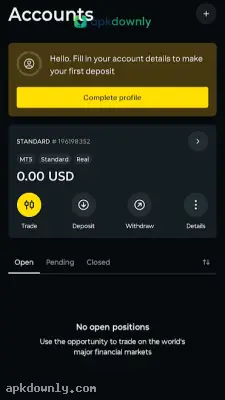


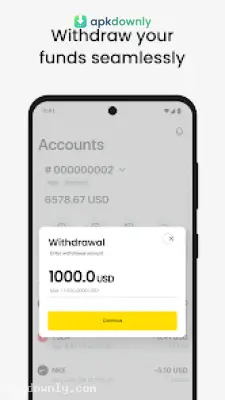
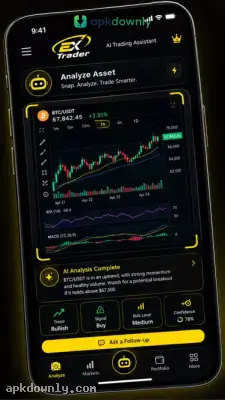
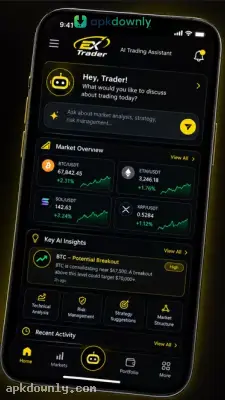
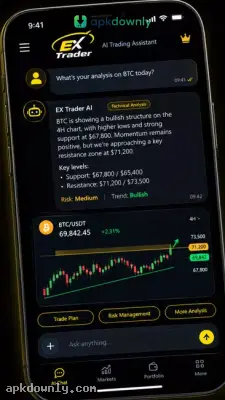
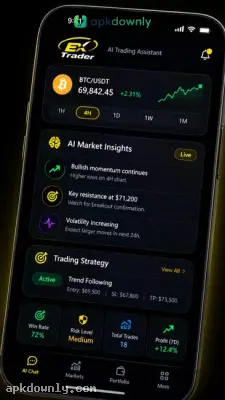
Screenshots from Google Play
More in Finance
View all →


What's new
About this app
Download Exness Trader APK
Managing your investments usually means sitting in front of a computer screen all day. The Exness Trader APK changes that by putting a full broker terminal right in your pocket. You get direct access to the global financial markets from your Android device. It handles everything from opening new orders to withdrawing your funds. And it works perfectly for both beginners practicing on demo funds and veterans trading real capital. If you want to monitor your active positions while away from your desk, this mobile platform has exactly what you need.
What Is the Exness Trader APK?
This official mobile application comes from Exness Global Limited. It serves as a direct gateway for online trading. You can buy and sell forex, metals like gold, crude oil, and stocks right from your phone. This is far more than a basic companion tool. It functions as a complete standalone platform.
You use it to manage your MT5 Exness account. Once you sign in, you'll see live price charts and a clean layout of your watchlists. The app syncs instantly with your main broker profile. That means a trade you open on your phone will immediately show up on your desktop computer. You can also create new demo accounts inside the app to test out fresh strategies without risking real money.
Core Features of the Trading App
The platform brings professional tools to a smaller screen without cluttering the interface.
First, the charting tools are highly detailed. You get access to over 100 technical indicators and 50 different drawing tools. This helps you track trends and plan your entries carefully. You can even save your favorite chart layouts for quick access later.
Speed matters heavily in forex trading. The app features a specific one-click trading mode. When you turn this on, you can execute orders instantly without confirming every single pop-up window. This saves valuable microseconds when market prices jump suddenly.
Risk management is built straight into the software. You can easily set stop-loss and take-profit limits based on exact price points, pips, or a specific percentage of your equity. The platform also sends push notifications straight to your phone when an asset hits your target price or when a trade closes.
Handling your money is very straightforward. The app supports immediate deposits and fast withdrawals using several local and global payment options. You can even request a withdrawal on a weekend and have the system approve it automatically. You also get a built-in calculator to check your margin requirements before you open a position.
How to Get Started
Here is how to get the application running on your device.
- Download the Exness Trader APK file to your phone using our direct link.
- Go to your Android settings and select Security or Privacy.
- Make sure that the option allowing you to install unknown apps is turned on.
- Launch your file manager and go to the folder with downloads.
- Tap the file you just downloaded to install the application.
- Open the newly installed app and log in to your existing account or sign up to create a new Exness account.
Make sure your phone has a stable internet connection so your live charts update instantly when you launch the Exness Trader APK.
APK Information
Frequently Asked Questions
Can I practice trading with virtual money on Exness Trader?
This lets you practice trading strategies without risking any of your actual capital.
How long do withdrawals take on Exness Trader?
You can send your funds directly to local bank accounts, cards, or digital wallets.
Does the app support MT5 accounts?
Any trade you open on your phone will sync automatically with your desktop screen.
Is Exness Trader good for beginners?
You also get built-in risk tools and calculators to guide your entry decisions.
Is the Exness Trader APK safe to install?
Remember to switch off your Unknown Sources setting in Android after installation wraps up.



