

Node Video
Get this app from Google Play Store for automatic updates & security. Use APK if Play Store is unavailable in your region or you need an older version.
Screenshots
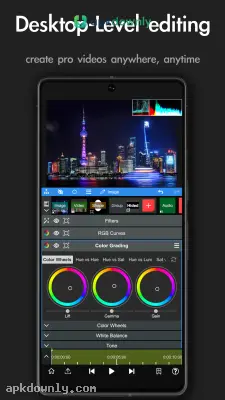
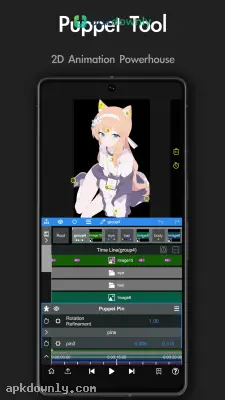
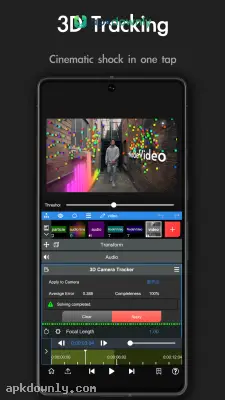
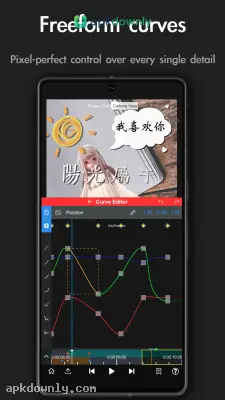
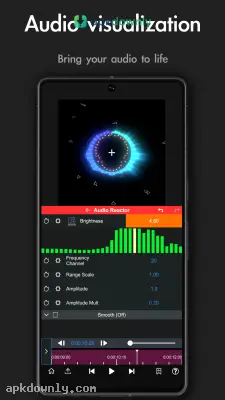
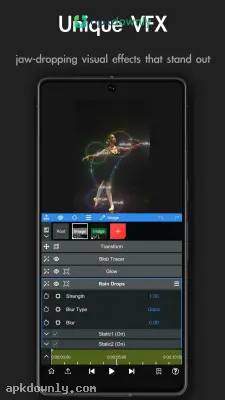
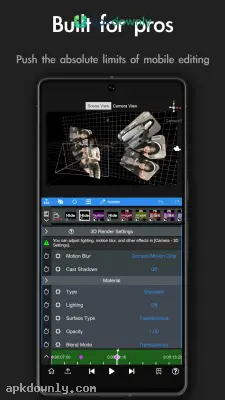
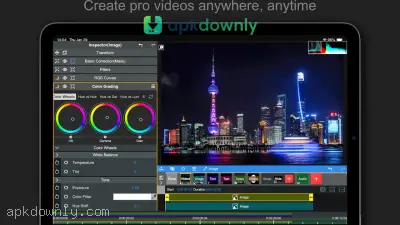
Screenshots from Google Play
More in Video Players & Editors
View all →


About this app
Node Video
Node Video is an editing application that puts heavy desktop features right in your hands. Standard phone editors usually lock you into basic templates or cheap color filters. They almost never let you actually mess with the raw footage. The Node Video APK changes that completely. You get a real multi-track timeline directly on your device. It lets you change specific colors and fix bad audio manually. You can load heavy video files and stack several clips together without buying a costly computer to process the files. It works well for people who want to build custom effects from scratch.
Key Features Inside the Node Video APK
The creators included specific tools that let you change every single frame by hand.
- Optical Flow Interpolation: You might try to slow down a quick clip, only to see it stutter badly. This tool uses AI processing to generate completely new frames between the original ones. It gives you incredibly clean slow-motion playback as a result.
- Layer-Based Editing: You do not just place clips back-to-back on one line. You can drop videos, pictures, and words directly over each other. You decide exactly how those pieces mix together using basic blending options.
- 3D Camera Tracking: The system looks at your flat video and maps out a three-dimensional space. This lets you attach words or stickers directly to moving targets. The text stays stuck to the background even when the camera shakes.
- Chroma Key Masking: You can cut out green screens or pull one specific color out of your clip quickly. The software detects edges cleanly so your subject does not get stuck with a weird green border.
- Custom Adjustments: The app includes a speed curve menu so you can fix animation timing by hand. You pull the graph lines to make custom movements instead of trusting the default timing. This makes text fly into the screen naturally.
How to Install and Set Up the Editor
Getting this editor running on your Android phone takes a little bit of manual file management.
- Download the package. Grab the setup file from a safe site and save it to your device.
- Adjust your security. Open your device settings and allow your web browser to install outside applications.
- Run the installer. Tap the downloaded file in your storage and let Android complete the installation.
- Start a new project. Launch the editor, press the plus icon, and pull a video from your gallery.
- Fix playback lag. Change your preview resolution to 50 percent if the playback stutters.This keeps your editing timeline perfectly smooth without ruining the actual quality of your final export.
Drop your preview frame rate to 30fps during the actual editing process so the Node Video APK runs faster, and just remember to switch it back to your original high frame rate right before you hit export.





