

Telegram
Get this app from Google Play Store for automatic updates & security. Use APK if Play Store is unavailable in your region or you need an older version.
Screenshots
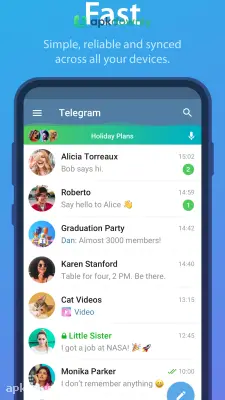
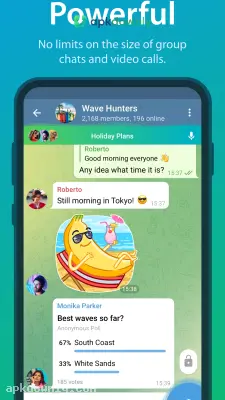
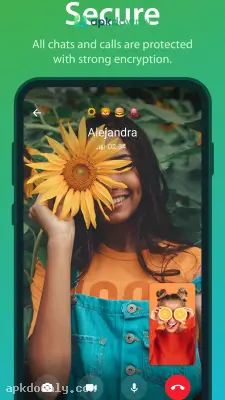
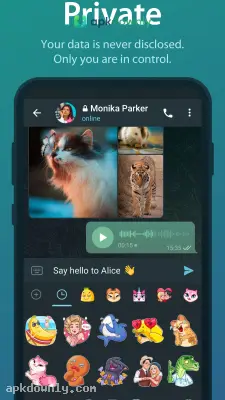

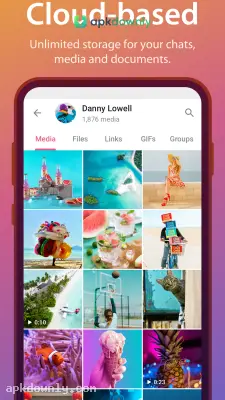
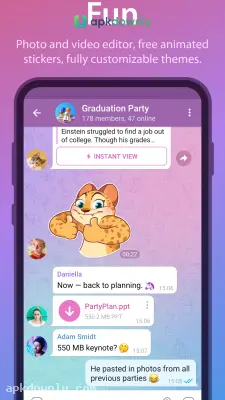

Screenshots from Google Play
More in Communication
View all →


About this app
What is Telegram?
Telegram is a private communication app used for sending messages like text, videos, and all kinds of files. It’s easy, and the auto-messaging system makes it more easy to use. We can create channels and groups for one-to-many communication. Apart from this, we can do direct audio and video calls on Telegram. For synchronization of data, Telegram uses a cloud storage system, so you can switch between different devices.
Telegram Key Features
Fast Communication:
The distributed network system routes messages quickly, whether you send video, audio, text, or any other file, with a short delay. This network system makes Telegram more reliable.
Cloud storage and sync across all devices:
Telegram uses cloud storage to store data, where you can use unlimited data storage. With a free account, you can send up to 2GB in a single file, while a premium user can send up to 4GB in a single file. Due to cloud storage, data is synced automatically; you can get the same data and history on any other device, but you should log in with the same account.
Tools for large communities:
For large communities, Telegram's built-in tools let you create channels with unlimited subscribers and groups with 200000 members that is quite enough. To share updates, you can do post, create polls, and even you can do live video calls.
Privacy controls and Secret Chats:
During messaging in Telegram, it uses an encryption and decryption system for chat privacy. When a sender sends a message, it is encrypted, and as the receiver receives the message, it is decrypted automatically by Telegram. You can even send a one-time message or few seconds. For more privacy, you can use just your username; no other personal information will show to others, like phone number, etc.
Cross-platform:
To run Telegram on multiple devices like Android, tablet, and PC, you have to connect with the same account on all devices. With this, you will see the same data, like your chats, searches, and every activity, on every device, except secret messages because they remain on the main device.
How to Use Telegram on Android?
In this process, we will cover things like phone number verification, username, profile creation, chats, and creating groups. Follow the step-by-step process.
- First, download Telegram from an authenticated source, install it, and open it. Enter your mobile number for verification; you will receive a verification code. Complete the profile with your name and photo.
- Select a unique username if you want to hide your mobile number. Allow contacts to see how you are on Telegram.
- To start chatting with other click on the (+) icon; apart from this, you can create groups and channels for broad communications.
- To customize your Telegram, open Settings. Set your account to private or public, and use cloud storage.
- Share files from 2GB to 4GB in a single file, sync your data with cloud storage to reduce storage problems, and use it cross-platform.





