

Snapseed
Get this app from Google Play Store for automatic updates & security. Use APK if Play Store is unavailable in your region or you need an older version.
Screenshots
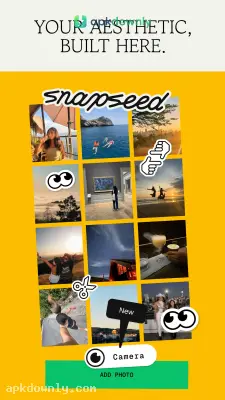
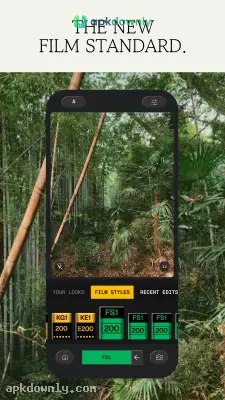


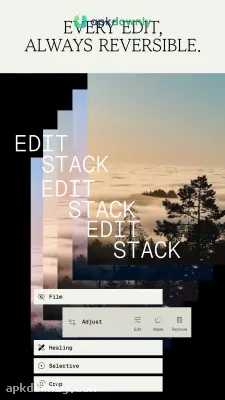
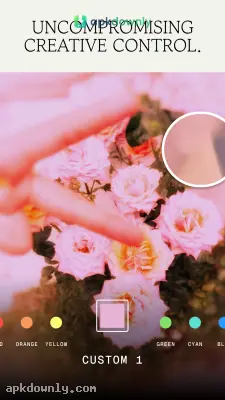
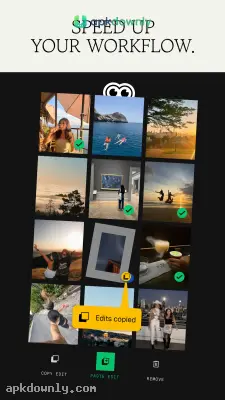

Screenshots from Google Play
More in Photography
View all →


About this app
Snapseed
Snapseed is a free photo app from Google that actually delivers on its promises. Fixing raw image files normally costs money or requires a monthly subscription. This software lets you fix your pictures without throwing ads in your face or asking for a credit card. You can correct dark lighting, erase trash cans from the background, and fix weird colors right on your screen. Grabbing a Snapseed APK download gives you access to all these tools right away.
Why This Free Photo Editor Stands Out
Most basic gallery apps just let you crop a picture or slap a cheap filter over it. Snapseed does a lot more. It handles standard JPGs and massive RAW files from popular cameras. That means you can recover missing details from deep shadows without wrecking the quality of your photo.
It also keeps your original files completely safe. The app never permanently ruins your starting picture. You can always undo or reset if you make a mistake on one of the panels. You can also make a custom edit that you like and save it as a preset so you can use it on dozens of photos. This batch editing feature is incredibly useful when you take multiple photos in the same lighting.
Top Tools Inside Your Snapseed APK Download
You get almost 30 different tools and filters when you install the app. Here are a few specific things you can do to fix your photos:
- Selective Adjustments: You do not have to brighten the entire image. You can drop a control point on one specific spot. If a person's face looks too dark, you can boost the brightness and contrast right there.
- The Healing Brush: Random people walking by can ruin a great shot. Tap them with this tool to make them disappear from the background completely.
- Perspective Fixes: Tall buildings usually look slightly crooked in photos. This tool squares up the lines so your shot looks straight and professional.
- Curves and Tone: You get complete control over your lighting. The curves tool lets you adjust your shadows and highlights independently.
- Portrait Adjustments: Brighten eyes, smooth out rough skin, and slightly tilt faces for a better viewing angle.





