
Get this app from Google Play Store for automatic updates & security. Use APK if Play Store is unavailable in your region or you need an older version.
Screenshots
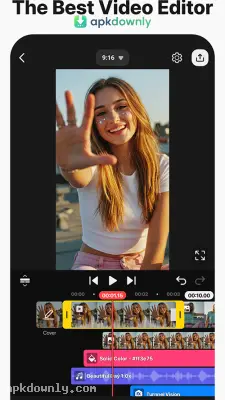
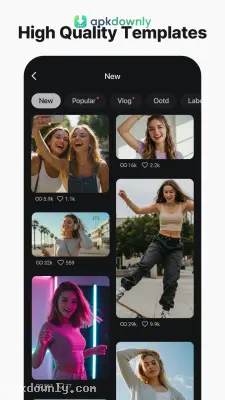
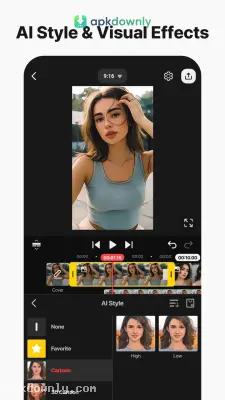
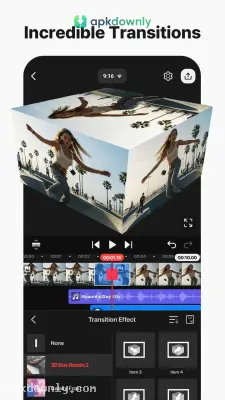
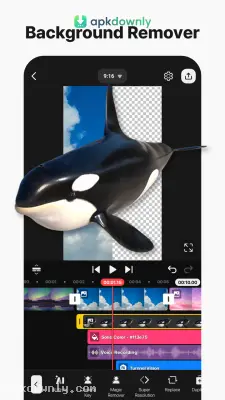
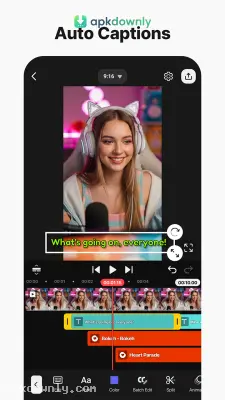
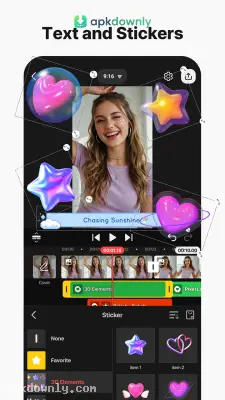

Screenshots from Google Play
More in Video Players & Editors
View all →


About this app
KineMaster APK
KineMaster is a video editing app built specifically for mobile devices. It gives you a horizontal workspace with a timeline that handles multiple tracks at once. Most phone editors force you into a vertical screen. But this one flips your phone sideways so you actually have room to see your cuts. Many creators search for the KineMaster APK to install the app manually or grab a specific older version. It gives you the space to piece together a daily vlog or cut a detailed gaming highlight reel without touching a computer.
What You Get With the KineMaster APK
The timeline layout is very visual. You can stack multiple video layers right on top of your main footage. This lets you play two clips at the exact same time. Or you can drop a small reaction camera in the corner of your screen. If you shoot with a green screen, the Chroma Key tool handles it. You just tap the background color and the app makes it transparent instantly. You can also adjust the color grading directly. Simple sliders let you fix bad lighting or change the temperature of a scene.
The built-in asset store saves a lot of time when you edit videos. It holds thousands of stickers, visual transitions, and text fonts. It also packs a large library of background music and sound effects. You don't have to hunt for safe audio files on random websites. Just remember that the free version of this video maker stamps a visible watermark in the corner of your final export. You have to buy a paid subscription to remove that mark and access the premium store items.
Working With Audio and Speed
You have deep control over your audio levels here. You can detach the original soundtrack from your video clip completely. Then you can bump up quiet voices, add a quick fade, or throw on a voice changer effect.
The speed controls work smoothly too. You can stretch a clip into slow motion or compress a long recording into a fast time-lapse. Newer updates brought in a few artificial intelligence tools. You can now generate automatic captions that write out your spoken words. And you can use the noise removal tool to clean up background static.
How to Set Up Your Project
Getting used to the sideways layout takes a minute. But piecing a video together makes sense once you start tapping around. Here is the process for building a basic project.
- Open the app and tap the large plus button to create a new project.
- Pick your screen ratio. Choose 16:9 for standard widescreen or 9:16 for a vertical format.
- Tap the media circle to load your main video clips onto the primary bottom track.
- Drag your finger across the timeline to find dead air and use the scissors tool to chop it out.
- Tap the Layer button to place text, images, or a secondary video over your main footage.
- Hit the export icon in the corner and choose your final quality up to 4K resolution at 60 frames per second.
Always clear out some phone storage before trying to export a heavy 4K file from the KineMaster APK so the app doesn't crash right at the end





