
Get this app from Google Play Store for automatic updates & security. Use APK if Play Store is unavailable in your region or you need an older version.
Screenshots

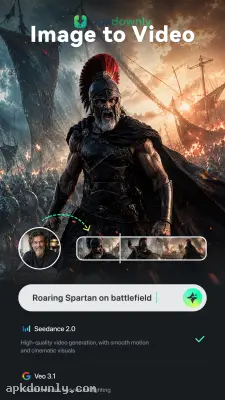

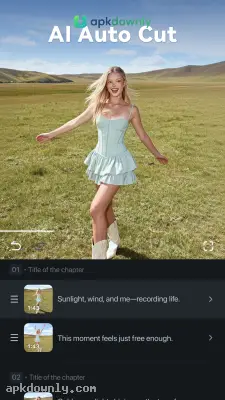
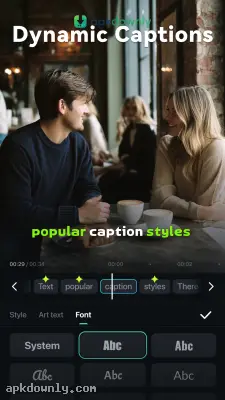
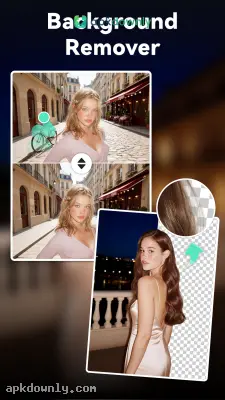
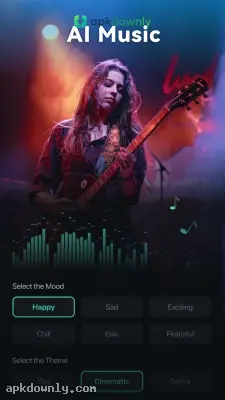
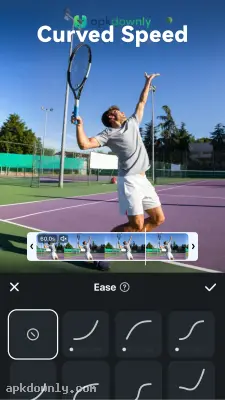
Screenshots from Google Play
More in Video Players & Editors
View all →


About this app
Filmora
Filmora is a mobile video editor that lets you cut and arrange clips directly from your phone screen. A lot of editing software requires a heavy computer and hours of learning to figure out the timeline. But this application keeps things simple. It provides the main tools you need to put a vlog or a quick social media clip together while you sit on your couch. Getting the Filmora APK download puts an editing studio right in your pocket. You can film something at the park and finish editing it before you get home. A lot of creators use it to splice vacation memories, put together quick recipe videos, and cut out the long pauses when they talk to the camera.
Key Features of the Filmora APK Download
The mobile version fits a full editing timeline onto a small touch screen. This is exactly what the app includes.
Trimming and splitting:
You rarely record the perfect video on the first try. The editing timeline lets you pull the edges of any clip to cut out the boring parts at the beginning. If you mess up your words in the middle of a sentence, you can just split the clip in two and delete the mistake. And you can slide the remaining clips together so the viewer never knows you messed up.
Music and voiceovers:
Silent videos lose attention fast. The software provides a whole library of background music. You can drag a song right under your main footage. Then you adjust the volume so the beat does not cover up your voice. You can also tap the microphone icon to record yourself talking while the video plays on your screen. It works perfectly for recipe walkthroughs or travel vlogs when you have to explain the scenery.
Text and titles:
Sometimes people watch videos with their phone on mute while they ride the bus. You can type words directly onto the video so viewers still know what you are saying. The app lets you pick a new font, switch up the colors, and set the exact second the text pops up. You just drag the words anywhere on your screen with your thumb.
Transitions and filters:
Jumping straight from one video to the next can look harsh. You get to slide a transition effect between two different clips to make the switch feel natural. Options range from a basic fade to black to fun screen wipes. It also gives you plenty of color filters. If you record in a dark room or the lighting washes you out, you just tap a quick filter to bring the colors back.
How to Start Editing on Your Phone
Getting your first project finished takes very little time.
- Grab the download: Get the Filmora APK from apkdownly.com and open it to begin the installation on your Android phone.
- Start a new project: Open the program and press the big button on the home screen to start editing.
- Pick your footage: Scroll through your camera gallery. Tap the photos or videos you actually want to use, and press Import.
- Make your edits: Tap a video on the bottom track. Drag the thick white edges inward to chop down the clip.
- Save the video: Press the export button at the top of your screen. Pick your final video quality and drop the finished project right into your camera roll.
Grab the Filmora APK download today, load two clips from your camera roll, and try adding a simple text title over the footage.





