

Get this app from Google Play Store for automatic updates & security. Use APK if Play Store is unavailable in your region or you need an older version.
Screenshots


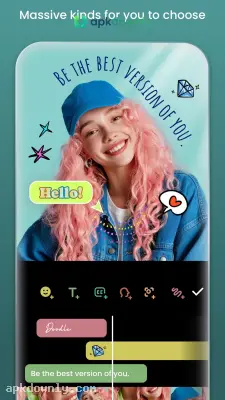
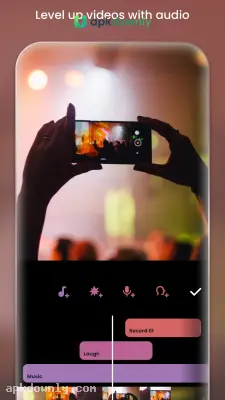
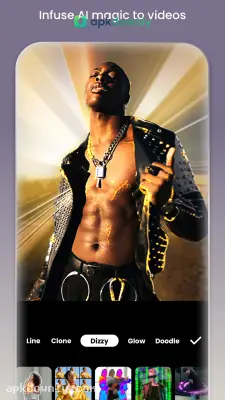


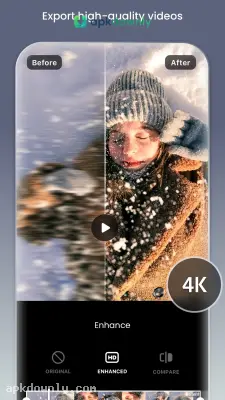
Screenshots from Google Play
More in Video Players & Editors
View all →


About this app
InShot APK
InShot is a mobile editor for your photos and videos. It hands you the basic tools to cut clips, drop in music, and throw on filters right from your phone. You don't need a desktop setup. Many creators download the InShot APK to grab the newest version and get straight to work. If you want to edit videos on your phone quickly, this is one of the most practical options available.
What You Can Do With the InShot APK
The main timeline is very easy to read. You see your video track right at the bottom. Above that, you have separate tracks for your music, text, and stickers. This layout keeps things organized when a project gets a little complicated.
Trimming is the core feature here. You just drag the edges of a clip to make it shorter. The split tool is also handy when you need to cut a long video in half. You drag the playhead to the middle and hit split. Then you simply select the bad take and hit delete.
Resizing is another big reason people rely on this tool. Different platforms require different video shapes. YouTube wants widescreen footage. But TikTok needs tall, vertical clips. The Canvas button fixes this instantly. Pick the platform logo and the video jumps to the right shape. Any black bars left over can be covered with a solid color or a blurred background.
Audio, Text, and Transitions
The InShot app gives you a lot of control over how your media sounds. You can turn down the original camera audio completely. Then you can add a new song from its built-in library of free vlog music. You can even pull the audio track off a separate video in your camera roll. Or record a short voiceover straight in the editor.
Putting text on is quick. Type what you want, pick a readable font and a color that stands out. Drag the text box on the timeline so the words pop up exactly when someone starts talking.
Transitions go between the cuts. A simple cross-fade keeps things smooth. A glitch effect gives the video a bit more energy.
Starting Your First Edit
Once you know where the buttons are, a basic edit only takes a few minutes. Here’s how it usually goes.
- Open the app and tap the big Video button.
- Choose the clips and photos you want from your gallery.
- Hit the Canvas tool to pick your final video shape.
- Scroll the timeline and use Split to remove the parts you don’t need.
- Tap Music to add a track or a short sound effect.
- Hit the save button in the top right and pick 1080p or 4K.
Check how much free space you have before you export a big 4K file from the InShot APK so the process doesn’t stop halfway.





