

Google Pixel Buds
Get this app from Google Play Store for automatic updates & security. Use APK if Play Store is unavailable in your region or you need an older version.
Screenshots
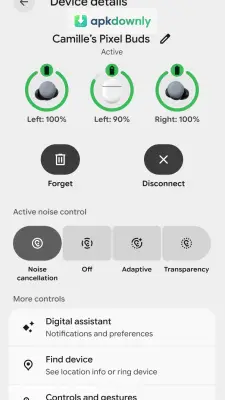
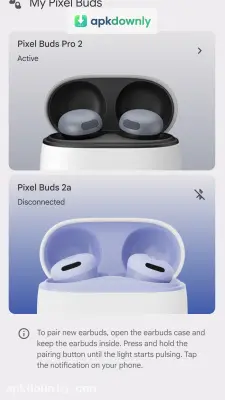
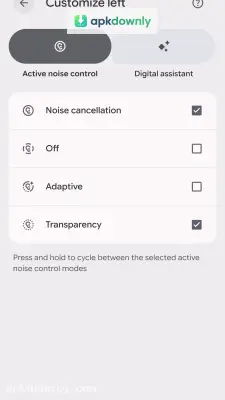


Screenshots from Google Play
More in Music & Audio
View all →


About this app
What are Google Pixel Buds?
Google Pixel Buds are simple, like other wireless buds; with these, you can listen to audio, such as songs or movies. But with the Google Buds app, you can control and set settings for the buds, like volume, next, or pause. Even you can use Ai assistant to control the buds.
Controls of the Google Pixel Buds App.
It depends on the version of the app. With this app, you can:
- Find missing buds by location tracing.
- Control the volume, such as increasing and decreasing.
- Checking battery health.
- No need to turn them on or off by touching the buds.
- Connect Google AI Assistant or Gemini.
- Any problem in buds you can see in the app.
Main Features of Google Pixel Buds.
Wireless:
Google Pixel Buds are wireless it works with Bluetooth, meaning no cable is required to connect to a phone. So we can use them for any kind of streaming, like watching movies, listening to songs or music, streaming web series, or even playing games.
Touch Controls:
You can control these Buds by touching the buds directly; with a single tap, you can pause and play audio or take a call. And with double touch we off the call or skipping or to next the song. Apart from this, by holding, you get AI assistant connectivity.
Finding Missing Buds:
Suppose you lost your bud; now Pixel Buds will use Google Find Hub to check where your buds are. Google Find Hub can check the location or make sounds on the buds.





