

Shazam
Get this app from Google Play Store for automatic updates & security. Use APK if Play Store is unavailable in your region or you need an older version.
Screenshots
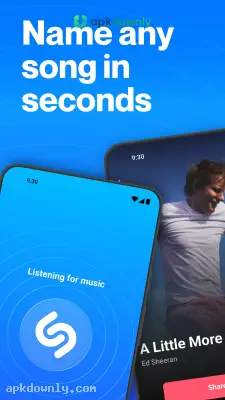
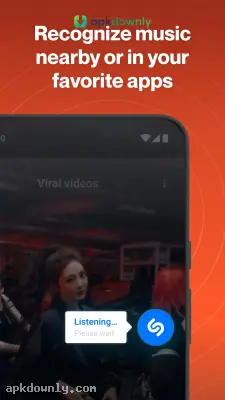


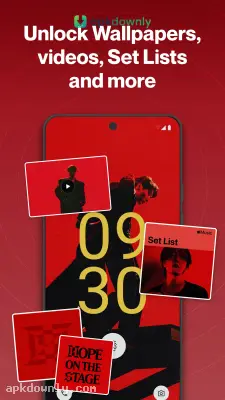

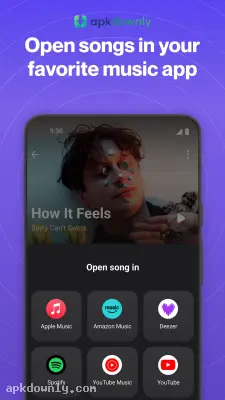

Screenshots from Google Play
More in Music & Audio
View all →


About this app
Shazam
This application enables the user to listen to music on his/her smartphone. Let’s imagine that you are at the diner and you hear a song that you simply cannot get enough of. Guess what! No one knows who is singing! You do not have to waste time trying to figure out the lyrics and typing them in the Google search engine. Just press the button and the Shazam app will detect the song. This means that you just have to download the Shazam APK. This application quickly identifies the artist and the song with the help of an extensive database of audio fingerprints.
How the Shazam APK Works
The app turns on your microphone for a few seconds to grab a quick sample of the audio. It checks that short clip against a massive library of songs on its servers. The whole process takes maybe three seconds. The app quickly pulls up the track title, the musician's name, and the album artwork.
And the app keeps a history of everything you search. You won't lose track of that great song you found on a Tuesday morning commute. You can scroll back through your list weeks later and listen to the tracks again. It builds a tidy catalog of your personal music journey.
Key Features You Will Actually Use
Shazam provides a few practical tools for your daily listening habits.
- Offline Mode: You won't always have a strong cellular signal when you hear a good song. The app just saves a quick audio snippet right to your phone if you have no service. Once your phone connects back to Wi-Fi or a cell tower, the app runs the clip and gives you the song name
- Synced Lyrics: The words to the song scroll on your screen in time with the music so you can follow along.
- App Integration: The app hooks straight into your Apple Music or Spotify accounts. You just press a button to send that new song over to your daily listening queue.
- Pop-Up Feature: Android phones get a floating button. You can use it to figure out a song playing inside an Instagram reel or a vlog without closing your other apps.
- Artist Details: It shows you tour dates and music videos for the bands you look up.
How to Set Up and Start Finding Music
Getting the application running takes almost no time at all. Here is how to begin.
- Download the installation file from apkdownly.com to your Android device.
- Launch the file you have downloaded to install the program.
- Allow the application to access your microphone to ensure high-quality recognition of audio files.
- Click the big button on the screen while a song you like is playing.
- Add your Spotify or Apple Music account in the application’s settings to save your favorite tracks.
Why Keep It on Your Phone?
Good music pops up randomly. A car commercial plays a heavy guitar riff, or a movie scene uses a great piano track. Keeping this app on your device means you catch those songs before they end. It just sits there doing nothing until you hear something you like, and then it goes to work. You can even set it to Auto Shazam. This makes the app constantly scan and identify tracks in the background while you drive or watch a long movie.
Install the Shazam APK from our site and try pressing the big button the next time a store plays a track you don't recognize.




