
Chrome
Get this app from Google Play Store for automatic updates & security. Use APK if Play Store is unavailable in your region or you need an older version.
Screenshots
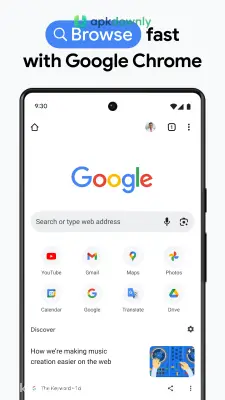
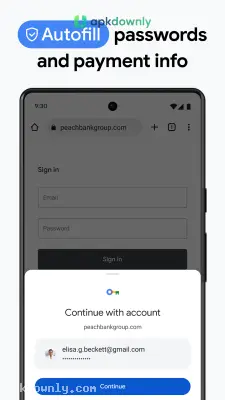
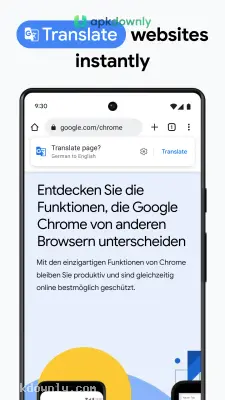
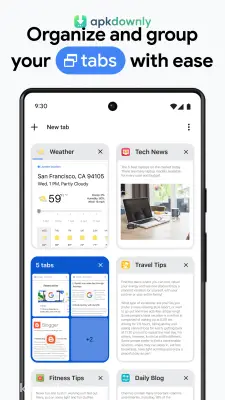


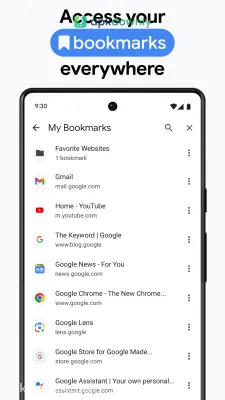
Screenshots from Google Play
More in Communication
View all →


About this app
Download Google Chrome APK: Fast Browsing for Android
Phones need a web browser to access the internet. Google Chrome is the one most people use on Android. It normally comes pre-loaded on your phone. But sometimes it doesn't. You might buy a device that lacks basic apps. Or the official app store gets stuck on a pending download. That is when you need to download the Google Chrome APK. You grab the installation file directly. Then you put it on your device yourself. It skips the store entirely.
What You Get with the Google Chrome APK
This file installs the regular, official browser. It handles basic text blogs and heavy video sites without stuttering. The top bar is where you type everything. Put a website address in it, or just type a random question. And it acts as a calculator and a weather forecaster too. You type "weather" and the temperature appears before you even hit enter.
The layout is very basic. You get a screen for your web page and a small menu in the corner.
Core Functions
Chrome includes specific tools built directly into the app to speed up your daily tasks.
Translating text
You will eventually click a link and land on a page written in Japanese or French. The browser spots this immediately. A small bar appears at the bottom of your screen. You tap English. The text changes right there. You read the article and move on without needing a separate dictionary app.
Going incognito
Shopping for a gift on a shared family tablet requires some privacy. You open an Incognito tab to look at prices. You do your shopping. Then you close the tab. Your phone deletes the search history and tracking cookies from that specific session instantly.
Remembering passwords
Phones have tiny glass keyboards. Typing a long password is frustrating. Chrome saves your logins securely. It drops your username and password into the blank boxes when you revisit a site. And it holds your credit card numbers so you can check out faster on shopping sites.
Connecting your devices
You may be reading an article on your laptop at work. The article could be long, requiring a lot of scrolling. However, you can send this tab directly to your phone. By logging into the application on your phone, it will sync up with your laptop and save all of your bookmarks, history, and lists across all devices.
Blocking bad sites
The internet has sketchy corners. Chrome actively checks the links you click. If you accidentally tap a link leading to a known malicious site, a bright red warning screen takes over. It stops you from downloading dangerous files.





