

CamScanner
Get this app from Google Play Store for automatic updates & security. Use APK if Play Store is unavailable in your region or you need an older version.
Screenshots


Screenshots from Google Play
More in Productivity
View all →


About this app
CamScanner
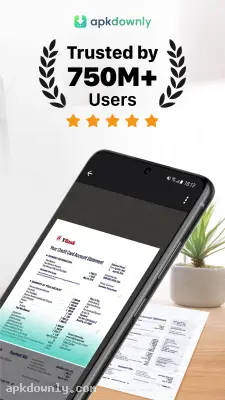
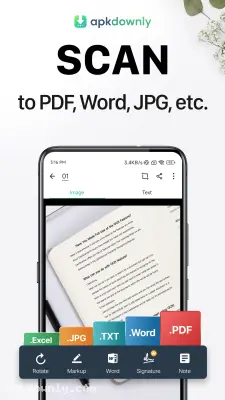
CamScanner is a mobile application that copies physical paper into digital files using your phone's camera. You point your lens at a document, take a picture, and get a neat PDF on your screen. Buying a bulky flatbed machine for your house is rarely necessary anymore. You can just grab the CamScanner APK to handle those random pages.
We all deal with paper clutter. Mail, quick notes, and store receipts get stuffed into drawers and forgotten. We all do it. This document scanning app fixes that exact mess. It grabs the text from a physical page and creates a readable computer file. The software figures out where the paper ends and the table begins. Then it brightens the background. The result actually looks like it came from a real office copier. And the file sizes stay small, so you won't fill up your phone storage.
Why this mobile scanner actually helps
Speed and legibility matter most. Sometimes you need to copy a glossy magazine page or a whiteboard from a morning meeting. The app handles the glare. The software pumps up the contrast so the ink is clearly visible. Got a crumpled coffee shop receipt? The app smooths out the visual wrinkles and erases the shadows.
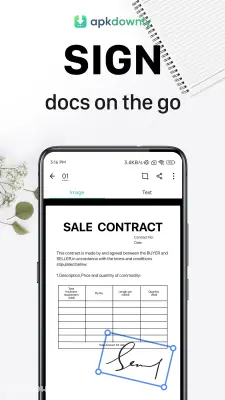
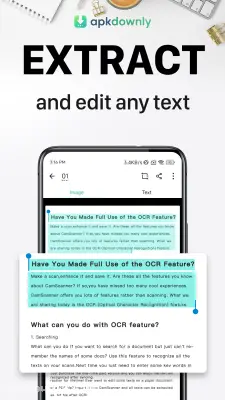
The cropping tool is smart. It snaps to the corners of your page even if you take the photo at a weird angle. Then there is the text recognition feature. It also pulls actual text straight from your pictures. You could snap a book page and paste the words into a message without typing anything yourself. And if you need to sign a lease or a work document, you can draw your signature right on the screen.
Setting up the CamScanner APK
The installation is fast. You will be ready to copy your first document in a couple of minutes.
- Download the installation file to your Android phone from our site.
- Open your settings to permit app installations from your web browser.
- Click the file you just downloaded to begin.
- Launch the app and make a quick account so your scans sync to the cloud.
Copying your first page
Taking a picture is easy. Lighting matters, though. Try to scan near a sunny window or under a decent desk lamp.
- Tap the camera icon down at the bottom.
- Hold your phone steady above the paper.
- Watch for the green border to find the edges.
- Press the capture button.
- Drag the corners if the border missed a spot.
- Hit the checkmark when you finish.
Need to scan a whole stack? Just keep taking pictures, and they will all group into a single document. This is how you scan PDF on Android when you have a long lease agreement or a thick stack of medical records.
Finding your files later
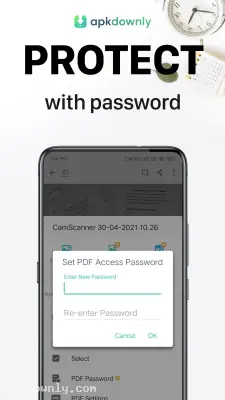
A massive list of unnamed files is a headache to sort through, so the app includes a folder system. Keep your business cards separate from your tax documents. The search tool is also helpful. Just search for a word printed on your document, and it pops right up. From there, you can shoot it over email or WhatsApp in seconds. Plus, if other people use your phone, you can lock private tax documents behind a password. That keeps your financial papers completely private.
Grab the CamScanner APK today to finally clear the paper clutter off your desk.





