
Tumblr
Get this app from Google Play Store for automatic updates & security. Use APK if Play Store is unavailable in your region or you need an older version.
Screenshots
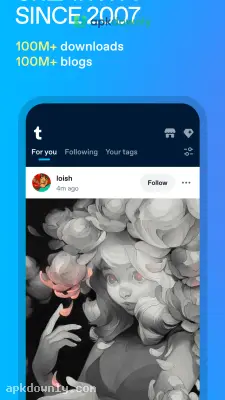
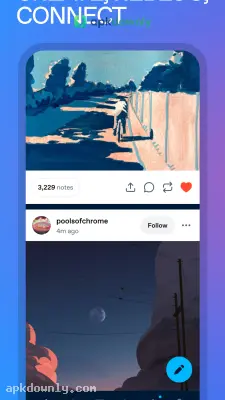
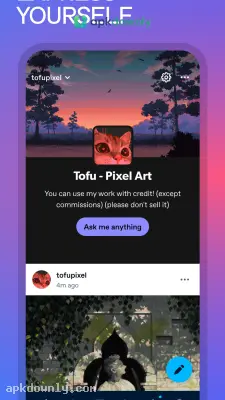
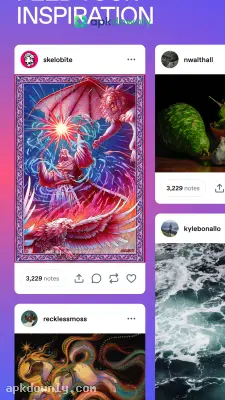
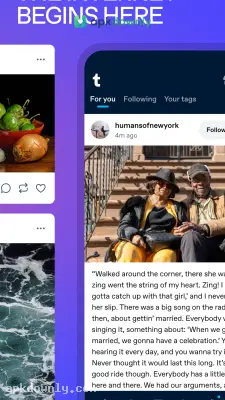
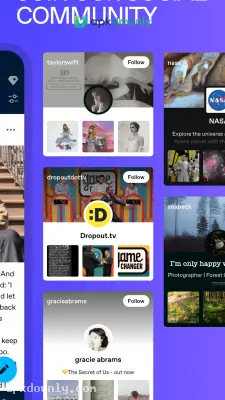
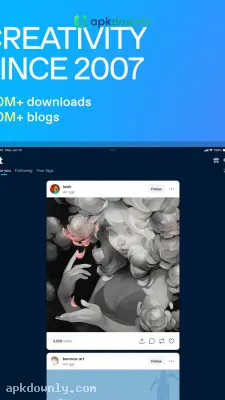
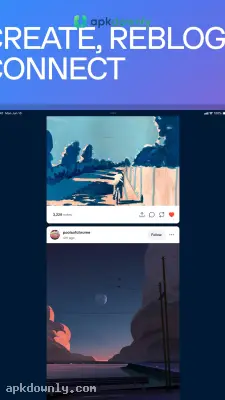
Screenshots from Google Play
More in Social
View all →


About this app
Tumblr
Tumblr sets up a private blog where you can post text, graphics, and sound bites. Think of it as a bridge between an everyday social timeline and a simple page builder. You might drop in a long essay or just post a funny image. Installing the Tumblr APK puts all this control right on your phone. And you get a page that actually reflects your personality. You pick the specific fonts and layout colors instead of settling for a blank gray screen.
Why You Should Try the Tumblr APK
A lot of social platforms force everyone into the exact same mold. But Tumblr lets you shape things your way. This microblogging tool adapts to your habits, letting you update hourly or just read. Plenty of users download it strictly to browse digital drawings or keep up with their favorite television shows. Others write daily diary entries. You never have to connect your real identity to your profile. The app runs on a heavy tagging system, making it quite easy to track down users with your specific interests. You can build an entire digital scrapbook of things you find interesting. If you like retro video games, you will find an active community for it.
Key Features of This Platform
The mobile version packs everything the desktop site has into a smaller screen. Here is what you get.
Seven Post Types
You have several different formats for your updates. Share an MP4 file, stick a funny text message exchange on your wall, or record a voice note. Put up a link to a podcast episode you heard, or type a single sentence you read in a book.
Custom Dashboard:
Your feed shows only the blogs you follow. Follow a blog about vintage cars and your dashboard fills with that kind of content.
Reblogging:
This is how posts travel. Grab a post from another user and put it on your own page with a new comment attached. It builds long conversation chains.
Blog Themes:
You alter your blog design directly through the mobile app. Pick a pre-built layout or manually adjust the background shades.
Queue and Drafts:
You get to pace your updates. Keep unfinished ideas in your drafts folder, or put them in a scheduled line to publish while you are away from your phone.
Steps to Install and Set Up
Getting your blog running takes very little time.
- Grab the file: Download the Tumblr APK from apkdownly.com and open it on your Android phone.
- Make an account: Open the program and type in a working email. Find a display name that matches your content.
- Pick what you like: The software asks for a few of your personal interests. Select a few topics so it can suggest blogs to follow.
- Fix up your page: Navigate to the settings tab. Add a banner image, test out a different background color, and write a quick bio.
- Send a post: Tap the round pencil icon on your screen. Pick a format and send your first update.
Keeping a custom blog on your phone gives you full control over your internet space. The Tumblr APK lets you build that environment quietly. Search for a niche topic right now and tap the follow button on a busy page.





