

Get this app from Google Play Store for automatic updates & security. Use APK if Play Store is unavailable in your region or you need an older version.
Screenshots
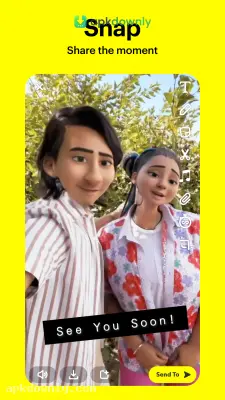
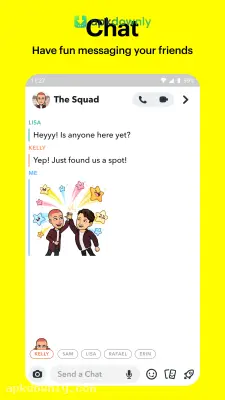
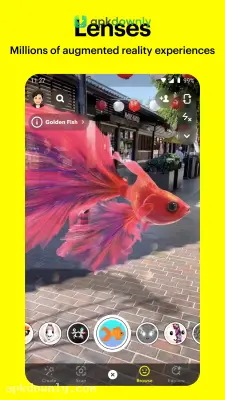
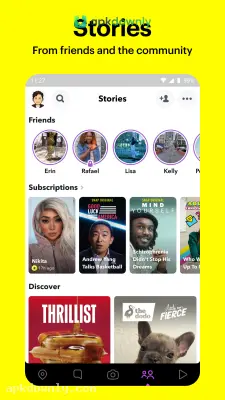
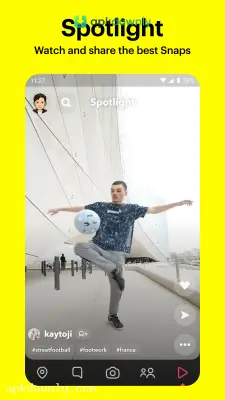
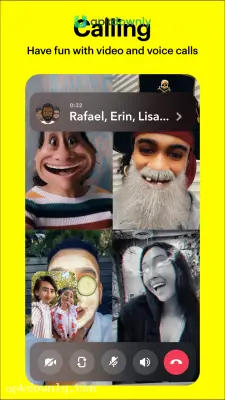
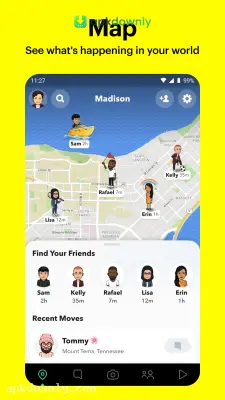
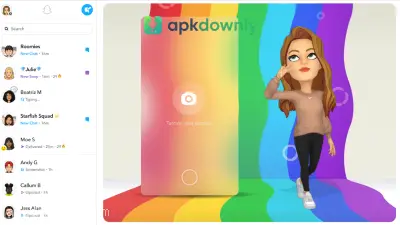
Screenshots from Google Play
More in Social
View all →


About this app
Snapchat APK Download: Fun Filters and Fast Chats
Snapping photos and sending quick videos is a very common way to talk to friends right now. Snapchat started as a basic photo sharing app where messages disappeared after you viewed them. Today, it offers quite a bit more than vanishing pictures. You can play games with your contacts, watch short videos from strangers, and see what people are up to on a map. Getting the Snapchat APK download on your Android device gives you instant access to all these tools. Setting it up is very simple. Let's examine the reasons why the Snapchat app is so popular and also look at how you can use it.
What the App Actually Is?
Snapchat is a messaging platform built entirely around your phone camera. When you open it, you don't see a wall of text updates. You see whatever your camera sees. You take a picture or record a short video, add some text or a filter, and send it directly to a friend. These quick messages are called Snaps.
The catch is that they vanish after they get opened. This makes chatting feel casual. You don't have to worry about creating a permanent post. Over the years, the latest version has grown to include public videos, live location tracking, and artificial intelligence chats. But at its core, it remains a fast way to stay in touch with people you care about.
Key Features You Will Find
The app brings plenty of concrete tools to keep your conversations entertaining. Here are the main things you'll see inside.
Lenses and Filters
The camera includes hundreds of augmented reality lenses. Some change your voice. Others turn your face into an animal or a cartoon character. You can swipe through fresh options every single day to see what is new.
Stories and Spotlight
If you want all of your friends to be able to see what you're doing, then you should put a Snap in your Story; it will remain visible for exactly 24 hours. Spotlight is completely different. It shows short, entertaining videos from creators all over the world. It works a lot like other video scrolling feeds.
Snap Map
This feature lets you share your real location with chosen friends. You can open the map to see where your group is hanging out in real time. You also see heat zones that show where random users are posting public Snaps nearby





