
Microsoft Copilot
Get this app from Google Play Store for automatic updates & security. Use APK if Play Store is unavailable in your region or you need an older version.
Screenshots
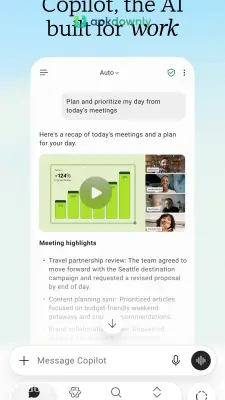
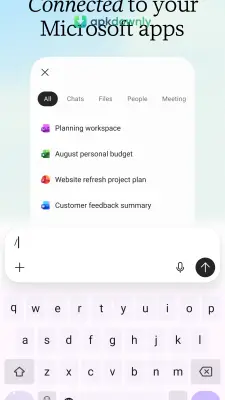
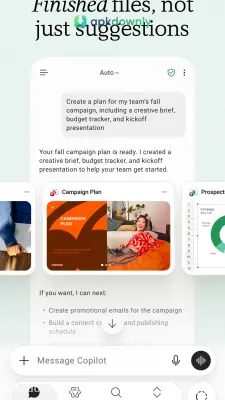
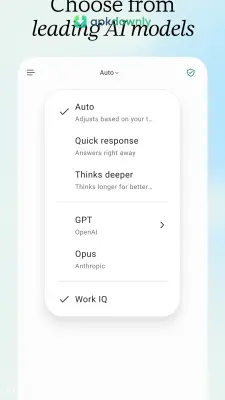
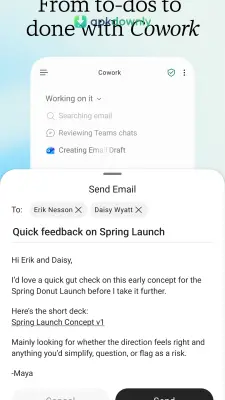
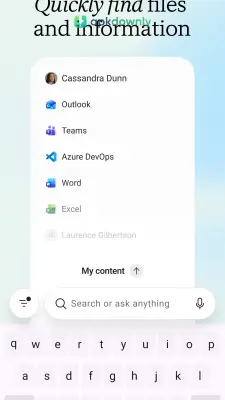
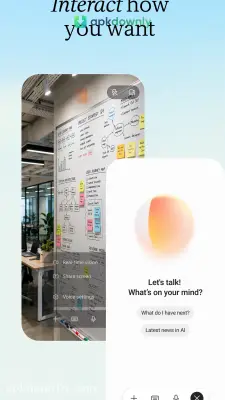
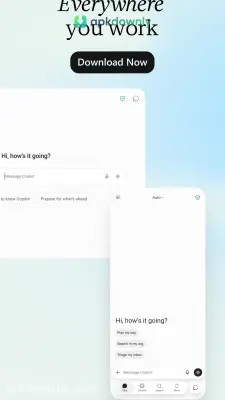
Screenshots from Google Play
More in Productivity
View all →


About this app
Microsoft Copilot
The Microsoft Copilot app puts a fast AI chat assistant directly on your phone. It handles your questions, types out text, and builds original pictures using GPT-4 and DALL-E 3.
You might have used AI on a computer before. You can now carry it with you everywhere. The Microsoft Copilot app accepts voice input or typed text and replies with clear answers. And it works fast. We test a lot of tools at apkdownly.com, and this one is genuinely useful because it brings high-end AI features to Android without charging a fee.
Forget digging through endless search pages to find a simple fact. Type your question and the app hands back a direct reply based on current web data. Sources are listed so you can open the links and check further details.
Key Features of the Microsoft Copilot App
The app includes several useful functions inside a phone-friendly layout. Here is what you can do with it.
Write and Edit Text
You can request a professional email draft for work. Feed it a long document, and the software extracts the primary points into quick bullets. It even fixes spelling and grammar errors before you share a message. Coders can also ask it to fix code problems or create short scripts while away from a computer.
Generate Images from Words
Linking a Microsoft account turns on the DALL-E 3 image generator. Just type a quick sentence about the picture you want. It could be a logo concept or a humorous image of a dog in a hat. Four visual versions appear in a few seconds. The one you like best can be saved straight to your phone’s gallery.
Plan Your Daily Routine
Mapping out a vacation or a busy Tuesday requires work. Hand your messy thoughts to the chat and ask for an organized itinerary. It builds hour-by-hour schedules and checklists using your exact prompts.
Voice Commands
Typing is optional. Tap the microphone and talk in a normal way. The recognition handles everyday speech accurately. You get a totally hands-free way to dig up facts while you are cooking dinner or out for a walk.
Customization Settings
The settings stay straightforward and useful. The app follows your phone’s light or dark mode by default. You can lock it to dark mode if that suits you better. Language is detected on its own. A manual switch lets you force a different language if you are practicing reading or writing.
How to Install the App
Getting this running on your phone takes just a couple of minutes.
- Download Microsoft Copilot from our site. The download takes up about 235 MB. Connect to Wi-Fi if your mobile data runs out quickly.
- Open the file to start the installation steps. The newest versions run on Android 13 or higher.
- Launch the software. Questions can be asked immediately without an account.
- Hit the profile icon at the top left to log in. Adding a free Microsoft account gives you the picture generator and the smarter GPT-4 engine.
Using the Microsoft Copilot app means you spend less time jumping between browser tabs to find facts. Read through its answers and check key details before using them for work.





