

Get this app from Google Play Store for automatic updates & security. Use APK if Play Store is unavailable in your region or you need an older version.
Screenshots
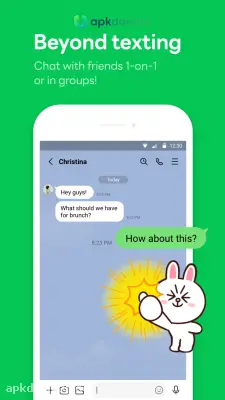
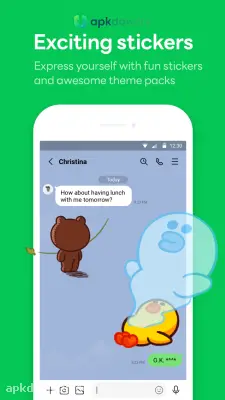
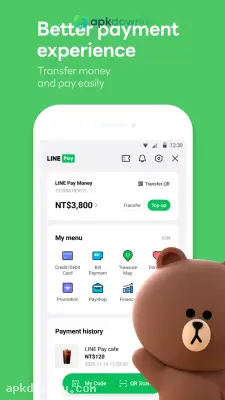




Screenshots from Google Play
More in Communication
View all →


About this app
LINE
LINE is a free application for texting and making internet calls. Because it runs on Wi-Fi or mobile data, you do not need a paid phone plan. Huge numbers of people log in daily to chat with their families and coworkers.
What Makes LINE Different
Most chat tools do the exact same things. LINE stands out because of its massive sticker shop. You get thousands of characters and animations to send in your chats. Some are free, and others cost a few coins.
But it's mostly about the communication features. You can make free voice calls to anyone else who has the app installed. The video call feature supports group chats with up to 200 people at once. That is a lot of faces on one screen.
LINE VOOM is the app's built-in timeline. It lets you share pictures, brief clips, and text posts that your contacts can react to and discuss. It basically functions as a compact social media feed right alongside your messages.
LINE Keep offers a personal folder to save your texts, photos, and files. You can find important details later without scrolling endlessly through past chats.
Top Features to Try
- Zero-cost messages: Share texts, photos, audio clips, and map pins.
- Phone and video chats: Speak one-on-one or host a massive group conversation.
- Custom stickers: Add unique character art to your chats.
- LINE Out: Dial standard landlines and mobile numbers for a tiny charge when the other person is not on the app.
- Multi-device access: Check and answer texts from your phone, tablet, or PC.
How to Set Up Your LINE App Download
Getting started takes about two minutes. Here is exactly what you need to do.
- Download the application from our website and run the installation.
- Launch the application and select the registration option.
- Enter your phone number. The app will send you a text message containing a verification number.
- Enter that number to verify your device.
- Pick a display name and upload a photo.
- Allow the app to scan your contacts so you can see who already has an account.
After that is done, just tap a friend's name to start a conversation.
When you meet new folks, you can skip typing their digits and just scan their profile QR code to connect. You can also add people standing near you by shaking your phones together. The app uses your location to connect you.
Extra Tools Inside the App
LINE keeps adding extra pieces to the main app. You will find LINE Pay for sending money to friends or buying things in stores. There's also a built-in camera with filters and effects for your selfies. You even get access to casual games you can play against your contacts.
Some people find all these extra buttons distracting. If you just want a simple chat tool, you can ignore the payment and gaming tabs entirely. The core texting and calling features work perfectly fine on their own.
Managing Your Privacy
You have control over who can talk to you. You can block annoying contacts with one tap. There is also an option to hide your profile from people who have your phone number but aren't on your actual friend list.
The app uses end-to-end encryption for your messages. They call this feature Letter Sealing. It scrambles your words so no one else can see them while they move across the web.
Always remember to back up your chat history in the settings before installing the app on a different device.





