

CapCut
Get this app from Google Play Store for automatic updates & security. Use APK if Play Store is unavailable in your region or you need an older version.
Screenshots
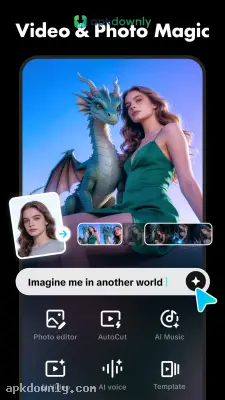
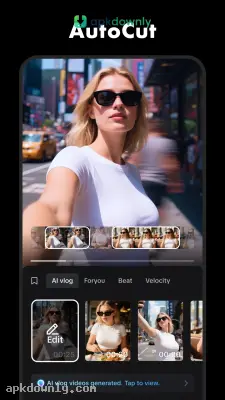
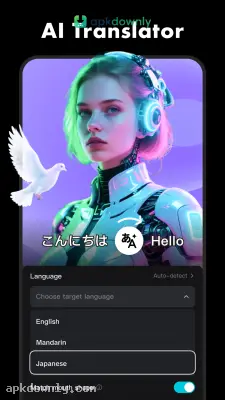




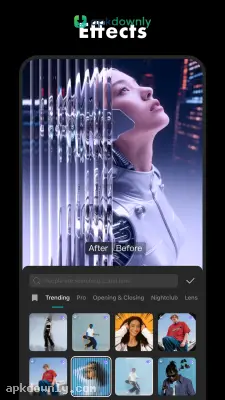
Screenshots from Google Play
More in Tools
View all →


About this app
What is CapCut?
CapCut is a popular and free video editing app used for short and long videos. It combines different application features that is why it is all-in-one app. The arrangement of tools and features makes it user-friendly; there is no need to look for extra information for editing. CapCut supports both devices like mobile and desktop. There is no need to create an account for editing, although if you want to follow your favorite video editor on CapCut and save your projects for the future, you have to create an account. Apart from this, you can link your social media accounts like TikTok, Instagram, and Facebook with CapCut for quick posting.
Editing Tools in CapCut.
CapCut Timeline Basics:
In CapCut, you can edit videos in different layers simultaneously, one on top of the other. Like
- Layer 1 keeps the main video.
- Layer 2 has subtitles.
- Layer 3 keeps stickers.
Which basic editors can’t do. Trimming in video: cutting unnecessary parts from the video. Splitting: cutting large videos into multiple clips. Merging: combining two or more than two clips. Preview video: checking the video during editing to see how it will look in real time. And other things you can do.
Motion, Speed & Key frames:
In CapCut, for each scene, you can adjust the speed from 0.1 to 100X. But if you want to slow down or speed up a single part of a video, the speed curve tool is used. Apart from this, if you want to animate something like a stone falling, you can do this with keyframes.
Captions and background tools:
Instead of typing captions, CapCut automatically generates captions from audio. We can use them as subtitles in a video. Apart from this, we can translate it in other languages. We can change and remove the background with background tools.
Text, effects, and visual assets:
CapCut has pre-built effects, stickers, and filters that you can apply with a single click. Along this, you can upload your own built assets.
Audio and export controls:
CapCut has a massive library of music and effects, but if you have your own voice or music, you can upload it from your local device. You can enhance your voice and reduce background noise to hear clearly with CapCut tools. Export videos in higher quality in 4K at 60 fps and Smart HDR for supported devices.
Pricing & Region Restrictions:
All basic tools for video editing on CapCut are free, like trimming, splitting, slow motion, enhancing, or exporting video with basic resolutions. Some advanced tools and features are paid. It also depends on the region; the features vare paidry on regions bases.
How to use CapCut on Android?
CapCut is simple to use: import your video, edit with the tools, and export in the required ratio and resolution. For better understanding, follow the steps.
- Download CapCut from a trusted source, and check additional information about app.
- Click on CapCut, create a new project, name it according to your video, and import a photo or video from your device.
- On the timeline, arrange your video, then start editing, such as trimming, splitting, and whatever you want.
- You can add different things like subtitles, music, stickers, effects, and motion, etc.
- Once your editing is finished, before exporting, take a preview of the video.
- After the preview, select your ratio, resolution, and the location where you want to keep your video.



