

Get this app from Google Play Store for automatic updates & security. Use APK if Play Store is unavailable in your region or you need an older version.
Screenshots
Screenshots from Google Play
More in Tools
View all →


About this app
Speedtest by Ookla
Speedtest by Ookla is a mobile app that measures how fast your internet connection actually is. We all deal with bad connections at some point. Sometimes a basic webpage takes forever to load. Or a YouTube video keeps freezing halfway through. Your phone might show full signal bars at the top of the screen, but the connection still feels completely broken. Installing the Speedtest by Ookla APK tells you exactly what is going on behind the scenes. It gives you hard numbers instead of forcing you to guess if your home router or your mobile carrier is causing the problem.
What You Get Inside the Speedtest by Ookla APK
This internet speed test app does more than just flash a big start button on your screen. It breaks down your connection health into specific metrics.
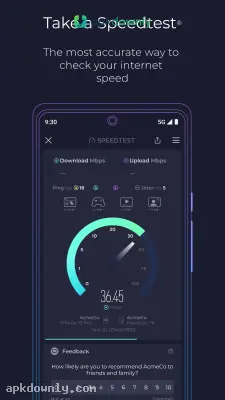
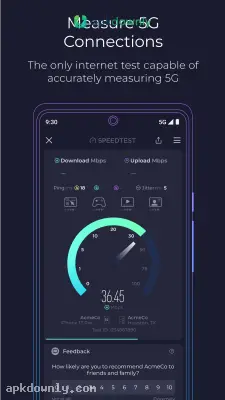
- Download and Upload Speeds: You can see exactly how fast your phone receives data and how fast it sends files out. A high download number means you can watch a 4K movie without it stopping to buffer. Good upload numbers mean your large email attachments will send instantly.
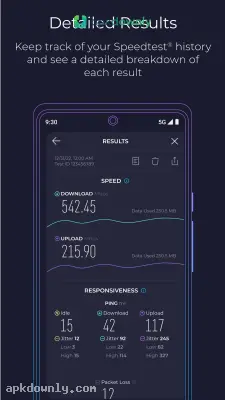
- Ping and Jitter: The ping number shows how quickly a signal travels to a server and returns. Jitter tracks if that delay keeps changing. This matters mostly for live video calls and gaming. Gamers need both numbers to stay very low to avoid lag during matches.
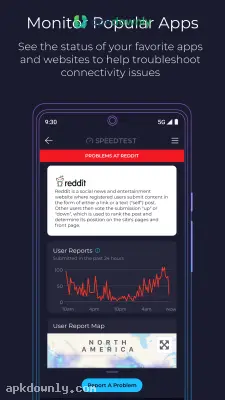
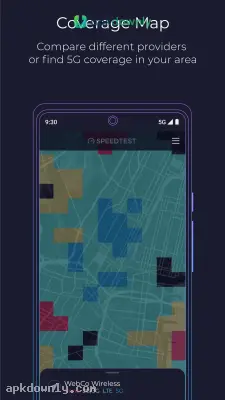
- Mobile Coverage Maps: A built-in map shows you where the major carriers have strong 5G or 4G LTE service. You can look up your own neighborhood to see which network gets the best reception before changing providers.
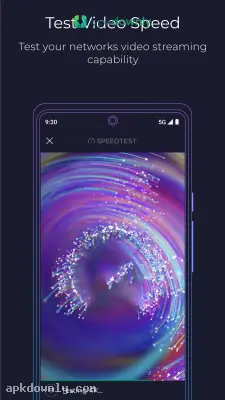
- Video Testing: A specific tool plays sample video clips at different quality levels. It calculates the highest resolution your connection can handle before the video stops to load.
- Free Basic VPN: The app includes a built-in privacy tunnel called Speedtest VPN. The free monthly data helps secure your connection on public Wi-Fi. It blocks people from seeing your IP address when you log in at a hotel or cafe.
How to Run Your First Speed Check
Running your first test takes about thirty seconds once you grab the file from apkdownly.com.
- Download the APK file to your Android device from our site.
- Open your device settings and give permission to your browser to install applications
- Click the file in your notifications that began the installation process
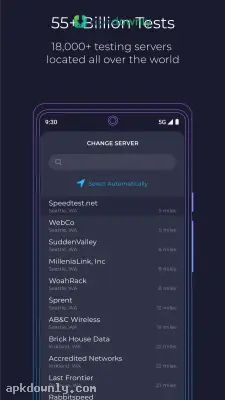
- Launch the application and allow it access to your location so that it may find the closest testing server
- Disable your Wi-Fi if you wish to check your cellular data speed, or leave it on if you wish to check your local area network router.
- Tap the giant "GO" button in the center of the screen and wait for the gauge to finish moving.
Tracking Your Result History
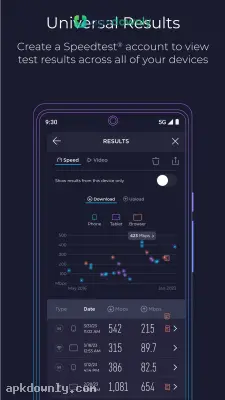
The app automatically saves every test you run into a separate results tab. This creates a helpful historical log. A history log shows exactly when your connection drops during the afternoon. If you pay your provider for 500 Mbps but you only get 40 Mbps, you finally have proof. You can show these saved numbers to customer support to demand a fix. You can also export these logs directly to a spreadsheet or send a screenshot to your landlord if the building Wi-Fi is broken.
Run a quick scan while standing near your router and then do another one in your bedroom to find hidden dead zones after you install the Speedtest by Ookla APK.



