

Asana
Get this app from Google Play Store for automatic updates & security. Use APK if Play Store is unavailable in your region or you need an older version.
Screenshots
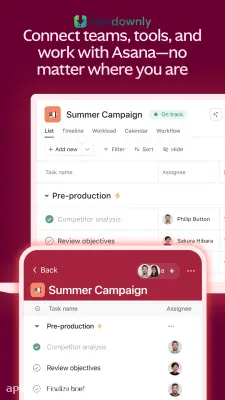
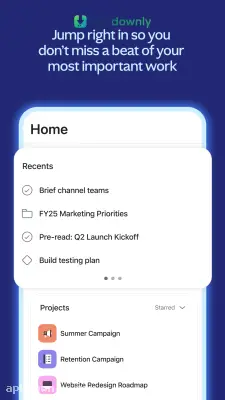
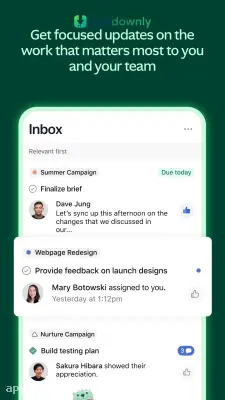
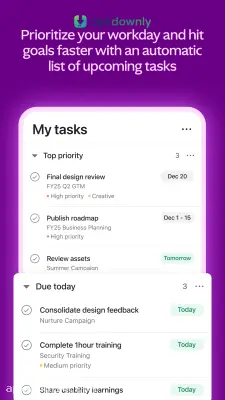
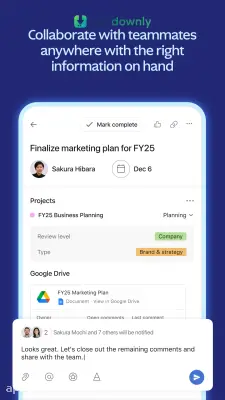
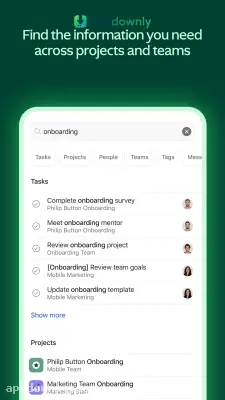
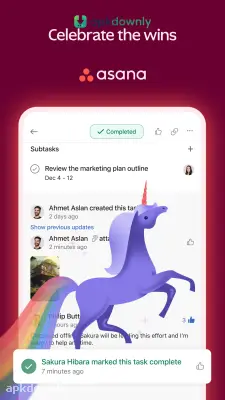
Screenshots from Google Play
More in Business
View all →


About this app
Asana
Asana acts as a digital office where you track everything your group needs to finish. Running a big project through email usually ends with buried attachments and blown deadlines. Half the team forgets who is doing what. The Asana APK clears this up by dumping all your loose assignments onto one shared board. It works as a central hub for all your office work. You can assign specific jobs to different coworkers and see exactly who is doing what at any given time.
And it updates instantly across all platforms. When a teammate clicks complete on their laptop, that item vanishes from your mobile app immediately. Groups rely on it to build marketing schedules, track customer tickets, and map out large events. It drags the messy conversations right out of your email and lines them up perfectly.
Main Tools in the Asana APK
The mobile version gives you everything you need to keep work moving while you are away from your desk or traveling. Here’s what you will find inside.
Multiple project views:
You decide how your schedule looks on the screen. Keep things in a basic up-and-down list if that is easiest to read. Or you can use a board setup. This lets you move digital cards across your screen from a "to-do" column to a "finished" column as the work progresses.
Task assignments and dates:
Nobody has to guess what they are supposed to do next. You can type out a job and assign it directly to a specific person on your team. Then you attach a hard due date to that assignment. The app sends them a push notification when the day gets close so they actually finish the work on time.
Direct communication:
You don’t need to switch over to a separate chat app just to ask a quick question. You can leave comments directly inside a specific task card. If a designer posts a draft of a new logo, you just type your feedback right under the image. This keeps all the team collaboration attached to the actual work instead of buried in a separate text message.
File attachments:
This project management app lets you drop files exactly where people need them most. Upload a PDF from your phone storage or link a spreadsheet straight into the task description. Everyone who clicks on the task has immediate access to the necessary documents without asking you to email them a copy.
How to Set Up This Work Tracker
Getting your group organized takes very little time.
- Grab the download: Get the Asana APK from apkdownly.com and open it to begin the installation on your Android device.
- Register your details: Launch the application and enter your company email, or just link your Google profile.
- Start a folder: Make a new project space and name it something obvious like Mobile App Launch.
- Invite the group: Enter the email addresses of your staff so they can see the new board.
- Hand out a job: Tap the plus symbol, write down a specific duty, pick a person, and pick a deadline.
Grab the Asana APK now and hand out your first assignment to get the group working.



