

Slack
Get this app from Google Play Store for automatic updates & security. Use APK if Play Store is unavailable in your region or you need an older version.
Screenshots
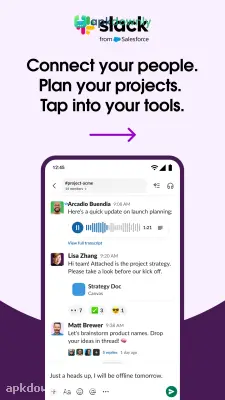
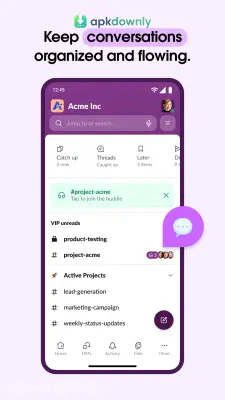
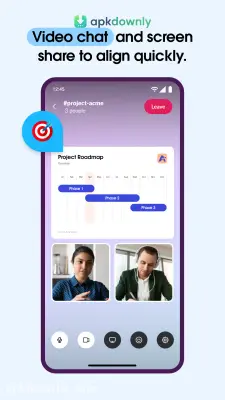
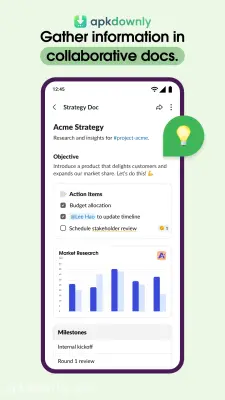
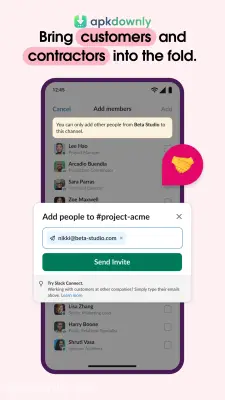
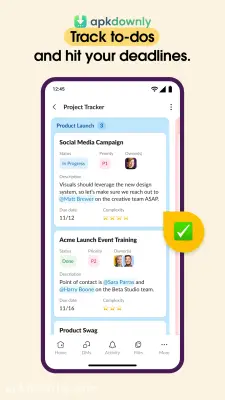

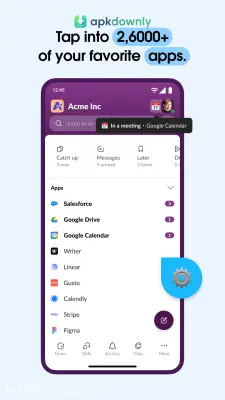
Screenshots from Google Play
More in Business
View all →


About this app
Slack
Slack acts as a central spot for all your office talk. Long email chains often bury important attachments. Getting the Slack APK fixes this problem by grouping your staff into dedicated digital rooms. You can message colleagues, jump on short audio calls, and share files right from your phone. It turns messy inboxes into clear talks so you always see what needs doing. And since the Android version works beautifully, you stay totally connected when you travel for work.
Why Choose the Slack APK?
Other chat tools only give you a basic text box. Slack organizes how you talk. You build custom rooms based on specific subjects rather than throwing everyone into a single crowded thread. And you can launch a channel for the design department, a separate one for launching a product, or a casual room for weekend plans. You control your notification settings. Simply turn off alerts for busy channels and only get pinged for urgent tasks.
Core Features of This Team Messaging App
This platform includes several built-in functions to speed up your work. Once you put it on your phone, these tools are ready.
Dedicated Channels:
Create separate chat areas for different departments or regional offices. You can simply leave a room if the talk no longer applies to your job.
Private Texting:
Sometimes you just need to ask a coworker a quick question. Direct messages let two people or a small group chat privately without alerting the whole staff.
Voice Huddles and Media:
Writing long paragraphs slows you down. A single tap launches an audio room to discuss problems right away. If someone steps away, leave a short voice note or video update.
Simple Uploads
Sending a contract or an image takes zero effort. You can attach items straight from your mobile storage. The app links with services like Dropbox and Google Drive so sharing access links is quick.
Deep Search:
Finding a past decision or a misplaced document happens fast. The search bar lets you look through your entire company history in seconds.
How to Use the Workplace Chat App
Bringing your coworkers on board is a very quick process. Follow these simple steps to start working together on your phone.
- Download the file: Get the latest Slack APK from our site and install it on your Android device.
- Log in or register: Launch the application. Type in your work email to build a fresh hub, or access your employer's current setup.
- Fill out details: Upload a headshot and enter your job position so your colleagues can easily identify you.
- Find your rooms: Scroll through the available public spaces and enter the ones tied to your daily responsibilities.
- Start chatting: Type a quick hello in a shared room or send a private message to a peer to check that everything works.
Switching to this setup keeps your staff on the same page. Using the Slack APK eliminates crowded inboxes and groups your actual duties into neat categories. Install the software, bring your peers aboard, and write your first team update today.



