

SHAREit
Get this app from Google Play Store for automatic updates & security. Use APK if Play Store is unavailable in your region or you need an older version.
Screenshots
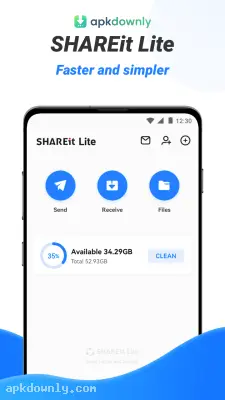
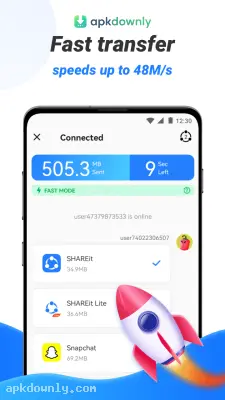
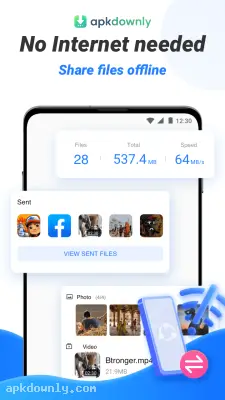
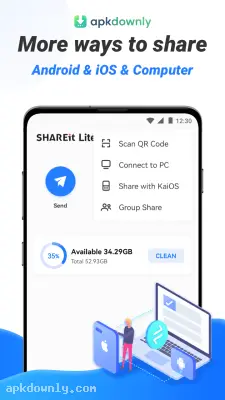
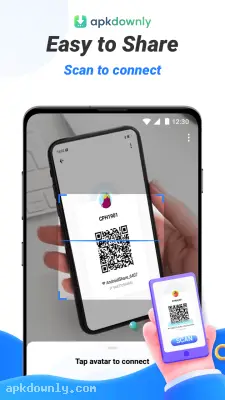
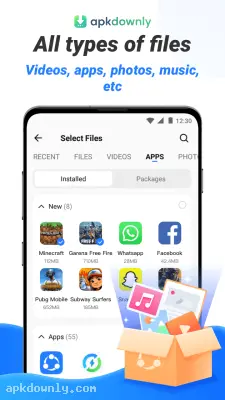
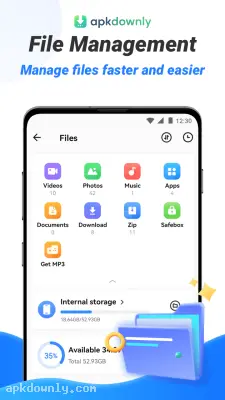
Screenshots from Google Play
More in Tools
View all →


About this app
SHAREit APK
SHAREit is a file transfer app that moves photos, videos, and games between devices without using mobile data. Sending a large video over text or email is slow and uses up your data. The SHAREit APK sets up a direct link between two phones so the files go across a temporary local connection.
People rely on this app to swap heavy game folders or hundreds of vacation photos all at once. You don't need a USB cable or a computer to act as a middleman. It just pushes the data straight from your local storage directly into your friend's phone storage.
Key Features of the SHAREit APK
This app focuses heavily on moving huge amounts of data quickly. Here is exactly what it does when you install it.
Fast Offline Transfers
Bluetooth is fine for sending a single contact card. But it really struggles with heavy files. SHAREit handles these transfers at speeds up to 42 megabytes per second. That means you can move a full-length movie in about thirty seconds. And you do all of this completely offline. The app never touches your cellular data plan, which helps a lot if you have a strict monthly data limit.
Share Across Different Devices
You aren't restricted to sharing files only with other Android phones. The app supports true cross-platform transfers. You can send a folder of downloaded music to an iPhone or push a work presentation over to a Windows desktop computer. Both devices just need to have the application installed and open on their screens.
Built-in File Management
Your phone storage gets messy quickly when you download a lot of media. This Android file sharing tool includes a file manager that actively sorts your media into specific categories like documents, videos, and apps. You can easily find large unused files and delete them right from the main menu to free up space. It also includes an integrated video player so you can watch transferred clips immediately.
How to Share Files with the App
Getting a transfer started is actually very straightforward. Both phones need to be within a few feet of each other for the connection to stay stable. Here is how you send your first batch of files to a friend.
- Install the app on both phones from the link on this page.
- Open the app and tap Send at the top.
- Pick the files, apps, or photos you want to send from the tabs.
- Tap Next to confirm.
- On the other phone, open the app and tap Receive.
- The receiving phone may ask for location and nearby-device permission so it can find you.
- A radar screen shows nearby devices.
- Tap your friend’s icon to start the transfer.
The progress bar fills as the files move.
Keep both screens on during the transfer so the SHAREit APK does not pause in the background.



