Amazon Shopping
Get this app from Google Play Store for automatic updates & security. Use APK if Play Store is unavailable in your region or you need an older version.
Screenshots
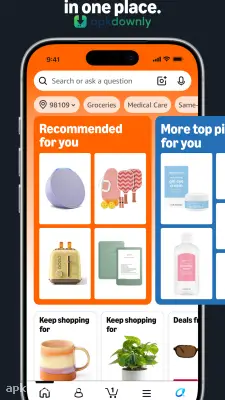
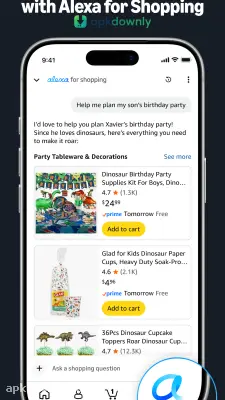
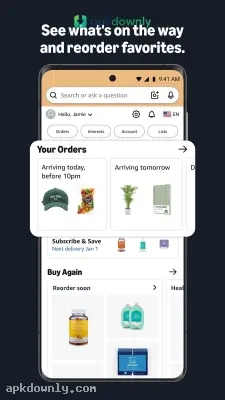
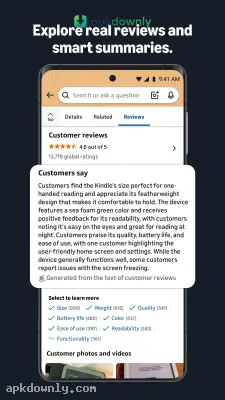
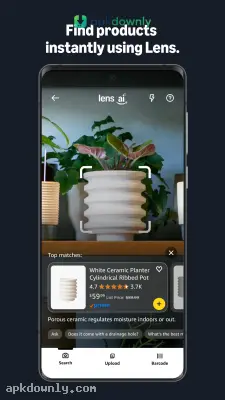
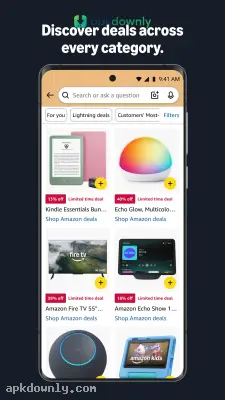
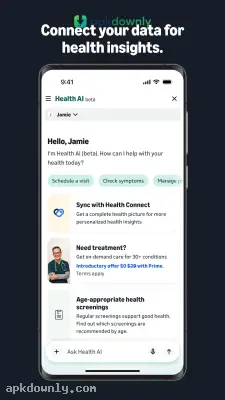
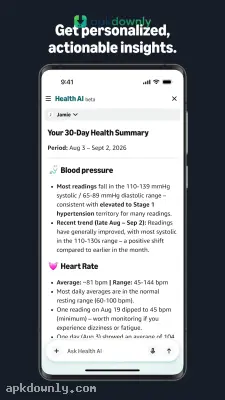
Screenshots from Google Play
More in Shopping
View all →


About this app
Amazon Shopping
Amazon Shopping gives you a direct link to order physical goods, digital items, and fresh groceries right from your mobile screen. You can flip through an endless catalog without ever booting up a laptop.
People usually use the store to restock basic household supplies, replace an old phone charger, or ship gifts to family out of state. We test many online shopping apps at apkdownly.com, and this one remains a regular tool because orders show up reliably. Searching for exact items only takes a moment. Downloading the store application to your Android device puts flash sales, real-time tracking, and help desk chats right in your pocket.
Key Features of the App
The app includes a few helpful features to make searching a massive catalog much easier.
Visual and Voice Search:
Punching in long serial numbers gets old fast. Press the camera button near the search bar to scan a physical barcode or just take a photo of the item sitting in front of you. The app reads the image and shows the matching product page. There is also a microphone button if you just want to say what you need out loud.
Live Package Tracking:
Waiting on a delivery is a lot easier when you know where the driver is. The orders section shows a live map on delivery day with the number of stops remaining before your stop. Your phone notifies you the moment the driver leaves the package at your door.
Deal Alerts and Wishlists:
You don’t have to pay full price if you plan ahead. Save items to personal wishlists and watch for price drops. Turn on deal alerts, and the app lets you know when temporary discounts appear so you don’t miss holiday sales.
Quick Checkout and Secure Payments:
Storing your shipping address and credit card makes checkout take only a few seconds. The app accepts standard bank cards, gift balances, and local mobile wallets. Verified fraud protection keeps your bank details safe during every purchase.
How to Install the Amazon Store App?
Setting up the store application on your Android handset requires just a few basic steps.
- Download the installation package from our site. The package is roughly 80 MB, so jump on a Wi-Fi connection to protect your monthly data cap.
- Go to Settings and find the security tab. Turn on permission for unknown sources so that your device can recognize the installer.
- Find the file you have downloaded in your Downloads folder and click on it.
- Now, wait for another bar to show up, and open the store from your app drawer.
- Log in via your email or phone number to import your old order history and addresses.
After you finish installing the Amazon store app, turn on your push alerts so you know exactly when your next box arrives.