
Olymp Trade Broker
Screenshots


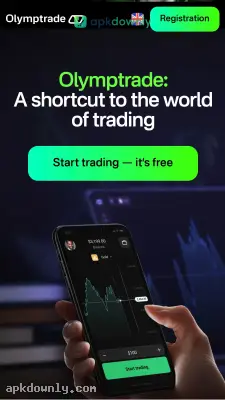

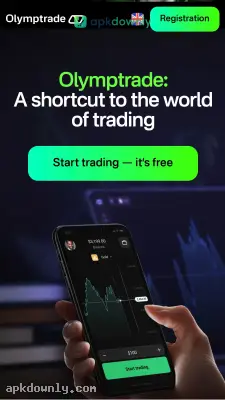

Screenshots from Google Play
More in Finance
View all →


What's new
About this app
Olymp Trade Broker
Olymp Trade is a mobile platform for buying and selling stocks, currencies, and crypto. You don't need a heavy desktop setup to watch the markets. Everything happens right on your phone. You can download the Olymp Trade APK here to run it on your Android device.
And the layout is actually easy to read. You get clear charts that show exactly what prices are doing in real time. Trades go through fast. But the best part is you can practice with fake money before risking a dime. It fits beginners taking their first steps. It also packs enough technical tools to keep experienced traders happy.
Key Features of the App
This app skips the clutter. It hands you the tools you actually need to track your money.
Free Demo Account: Every new account comes with 10,000 virtual units. Use this to press buttons and see what happens without stressing out. It gives you room to test different strategies while your real wallet stays safely closed. You can even reload this virtual balance if you run out.
Low Minimum Deposit: You don't need a massive bankroll to start. A real account requires just a $10 deposit to get going. You can even place single trades for a single dollar. That keeps the financial risk low if you are just trading casually on your lunch break.
Lots of Assets: The platform tracks over 180 different instruments. You can trade familiar currency pairs like EUR/USD. Check on big corporate stocks. Or follow the daily swings in crypto prices. You manage it all in one spot instead of switching between five different finance apps.
Built-in Help Center: There is a free knowledge base tucked inside the app. Read up on technical analysis and find strategies you can copy. It breaks down how to use tools like the RSI or moving averages. It even points out strong entry signals using different market indicators to help you decide when to buy.
How to Install the Olymp Trade APK
Getting this on your phone takes a couple of minutes. It is an Android package file, so the steps are slightly different than a regular app store download.
- Tap the download button on this page to save the 28.8 MB installation file.
- Open your Android settings and find the privacy or security menu.
- Flip the switch to allow app installs from unknown sources.
- Go to your downloads folder. Tap the downloaded file to begin the installation.
- Launch the app and type your email to register a free account.
Placing Your First Trade
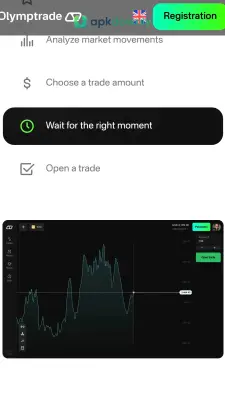
Take a minute to look at the main chart when you log in. You can flip between demo mode and live trading right at the top of the screen.
First, pick an asset from the top menu. Grab a major stock or currency pair you recognize. Type in the dollar amount you want to trade. Then, decide if the price is going to go up or down within a set timeframe. Hit the corresponding button.
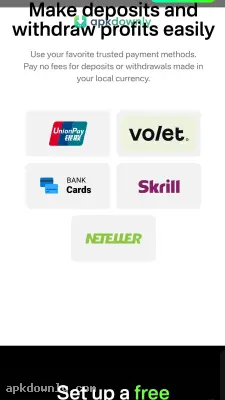
The system logs your order immediately. You can track your active trades right on the screen and pull up your past history anytime. Getting your money out is pretty straightforward too, with withdrawals usually processing within a day or two depending on your payment method. And if you get stuck, open the in-app support chat to talk with an agent.
Keep your Olymp Trade APK updated so the charts load without lagging.