

Get this app from Google Play Store for automatic updates & security. Use APK if Play Store is unavailable in your region or you need an older version.
Screenshots


Screenshots from Google Play
About this app
Headspace
The Headspace app APK puts guided meditation courses directly on your phone. We all deal with a lot of noise every day. Work emails pile up. Group chats constantly buzz. Finding even a quick moment of quiet can feel impossible. That’s exactly where a solid meditation app comes in. It provides a direct method to settle your mind without sitting cross-legged for sixty minutes. You just put in your earbuds and listen.
What It Actually Is
Headspace functions like a mental gym. You load it up and select a target. You might want to calm your nerves before a morning presentation. Or just fall asleep without the usual tossing. The application provides hundreds of audio sessions built around those exact problems. A calm narrator walks you through basic breathing and quick body scans. And the lessons start at just three minutes long. No need to clear a huge chunk of time. The bright animations make the concepts easy without any homework vibe. It takes the extreme seriousness out of meditating.
Core Features Inside the Headspace App APK
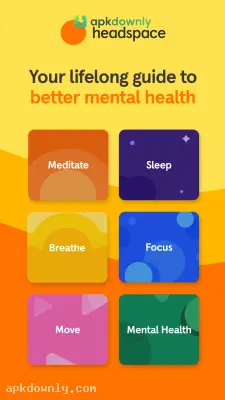
The bottom tabs keep everything organized based on what you need right now.
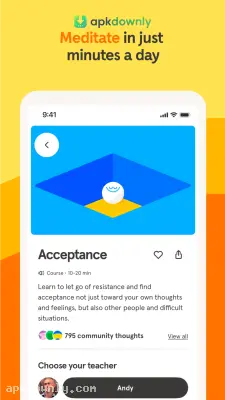
- Guided Courses: Choose something like handling stress or staying focused. Every module divides the topic into ten-minute daily audio clips. A guide explains the basic idea and tells you exactly when to exhale and let your arms drop.
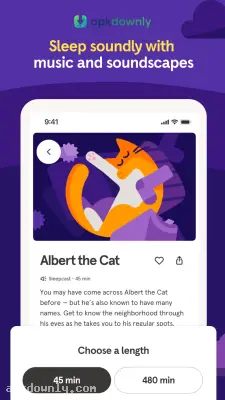
- Sleep Sounds: Being awake at two in the morning is terrible. The app includes sleepcasts to fix this. These are 45-minute audio journeys through quiet spots like a slow train or a sleepy antique shop. The narrator’s voice slowly fades as the story continues.
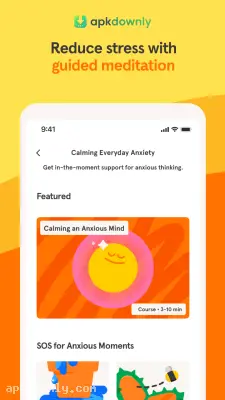
- SOS Sessions: Sometimes you panic. The app includes quick SOS exercises for those sudden stressful spikes. You can find quick audio tracks to handle public speaking fears or pre-interview panic.
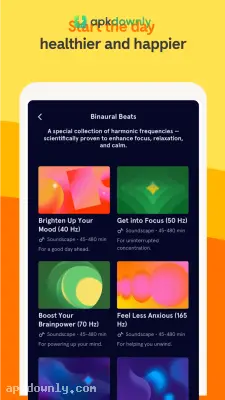
- Focus Music: When you need to type a long document or read a textbook, the app plays background audio built for concentration. Different musicians put together lists to block out the room noise.
Getting Things Set Up
Starting a daily meditation routine takes a little repetition. Here’s how to set up your profile and take that first session.
- Download the app and install it on your Android phone.
- Launch the application and create your profile using an email.
- Tell the app what you want to achieve by answering simple questions about sleep and stress.
- Start with the “Basics” course. This intro course explains the physical mechanics of meditating, such as finding tight muscles in your back.
- Go into the menu and set an alarm to practice at the exact same time each day.
Sitting for a couple of minutes a day builds a much more relaxed schedule. Just remember to check for Headspace app APK updates to grab the newest audio files.



