eBay online shopping & selling
Get this app from Google Play Store for automatic updates & security. Use APK if Play Store is unavailable in your region or you need an older version.
Screenshots
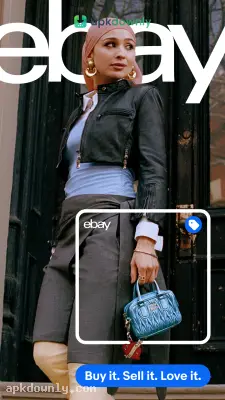
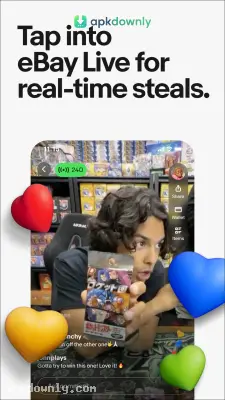
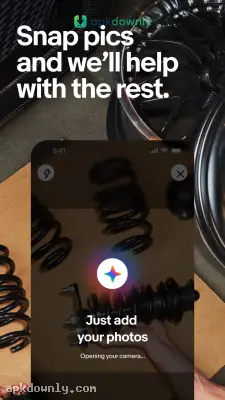
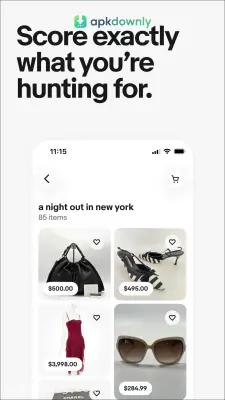
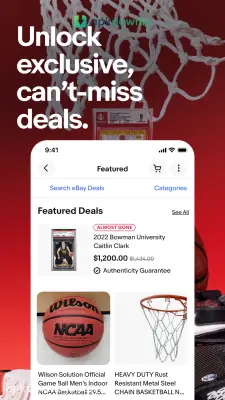
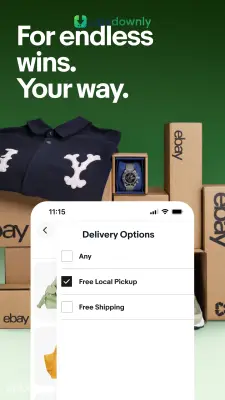


Screenshots from Google Play
More in Shopping
View all →


About this app
eBay
The eBay app puts one of the internet's oldest marketplaces right in your pocket. And it gives you direct access to millions of active listings from your Android device. You can check out local garage sales and big international storefronts all in one place with the eBay APK download. You can track down vintage toys, pick up a pair of shoes, or clear out your old phone for cash.
What the App Actually Does
This platform feels like a huge digital garage sale mixed with a regular retail mall. It connects regular people trying to clean out their closets with major brands selling new inventory. This setup makes it very easy to buy and sell online. You can hunt for cheap second-hand items or purchase unopened items at full retail price using the "Buy It Now" button.
The layout is simple. A search bar sits at the top of the screen. Below that, you'll find your recently viewed items and daily discounts.
Key Features Inside the App
The phone version cuts down on wasted time with a few built-in shortcuts.
- Barcode Scanner: Point your phone camera at a barcode on a box or book. The app pulls up current listings right away so you know what buyers actually pay.
- Live Auctions: Enter the top dollar amount you want to spend. The app raises your bid bit by bit only when someone tries to outbid you.
- Watchlists: Not ready to buy yet? Tap the little heart on any post. Your phone will buzz if the price drops or the listing enters its final minutes.
- Local Pickup: Sort results to only show items sitting a quick drive away. That saves you from crazy freight costs on desks, tires, or bikes.
- Easy Selling: Take three or four pictures with your phone and drop them right onto a listing. It also figures out shipping rates based on box size.
Getting Started with the eBay APK Download
Setting up your account takes only a few minutes. Here is how you go from installing the file to making your first bid.
- Install the file. Download the file to your phone, tap the download notice, and let it run.
- Make a profile. You can look around as a guest. But you need to create a free account to actually place a bid or sell your own stuff.
- Set up payment. Link PayPal or a bank card so you can claim an item the second an auction closes.
- Search for items. Search for your item up top. Use the filter buttons to cut out paid shipping, beat-up goods, or distant sellers.
- Place a bid or buy. Tap the "Buy It Now" button to purchase something immediately. Or put in your max price on an auction listing and wait for the timer to finish.
Smart Shopping Habits
Good deals take a bit of patience. Five sellers might have the exact same jacket listed at five totally different prices. Take thirty seconds to read the description notes, since that's where people mention hidden tears, scuffs, or lost cords. And look at their rating percentage. Buying from sellers with hundreds of positive reviews keeps you out of customer support headaches.
Check the shipping line one last time before you pay so your eBay APK download does not stick you with an unexpected delivery fee.