

Get this app from Google Play Store for automatic updates & security. Use APK if Play Store is unavailable in your region or you need an older version.
Screenshots
Screenshots from Google Play
More in Tools
View all →


About this app
Dual Space
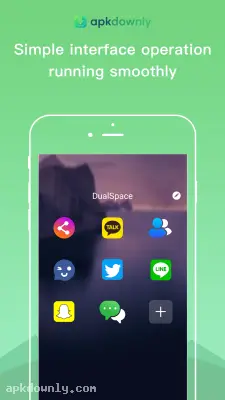
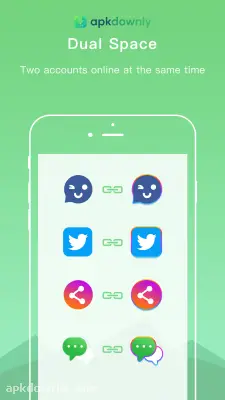
Dual Space is a handy application that allows you to operate two copies of the same app on a single Android device. Standard social networks usually make you log out completely just to check a different profile. This app builds an isolated environment inside your device to bypass that restriction. You just open a cloned version of your messaging app and log in with your second number. Getting the Dual Space APK solves the headache of carrying around two physical phones just to keep your work life separate from your personal chats.
And the software handles this without slowing down your operating system. It operates like a secure partition holding entirely separate data files. Your photos and chat logs from the cloned app never cross paths with your primary app.
Core Functions of the Dual Space APK
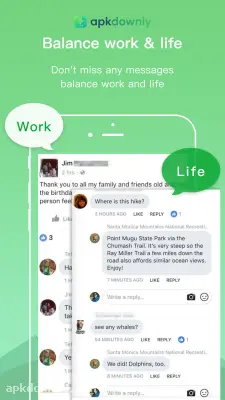
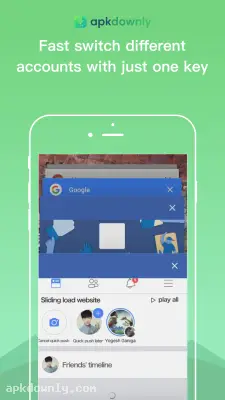
Manage Multiple Accounts: Setting up a second WhatsApp normally involves complicated steps. This application supports almost all popular messaging platforms natively. You can review work messages on the clone while chatting with family on the main app. Both iterations stay active in the background at the same time. Alerts for both profiles show up on your screen without any conflicts. You jump between the accounts instantly since you skip the login screen entirely.
Clone Games Easily. Many mobile players create a backup account to gather more items or test new character stats. This app lets you run both game files simultaneously on one phone. You do not have to clear your app data or risk losing your main account progress. You just launch the cloned game directly from the main menu and play your second character. It works perfectly with most heavy mobile games. You avoid the headache of typing out complex passwords whenever you jump to another server.
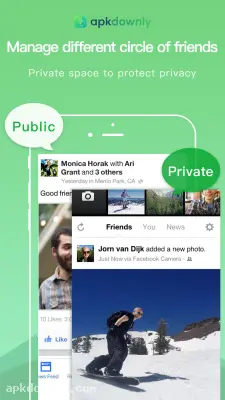
Keep Your Clones Private: You might occasionally need to conceal certain applications from people using your phone. The app includes a dedicated privacy feature. This tool keeps your cloned apps strictly away from your phone's main home screen and app drawer. You can only access those hidden profiles by opening the central hub itself. It keeps your secondary life completely out of sight. You can even set a password for the main hub.
How to Install and Clone Apps
The setup process requires no rooting and takes about a minute. You can start cloning apps almost immediately.
- Download the installation file from our secure link.
- Go to your phone settings and tap on the security menu.
- Turn on the permission to install apps from unknown sources.
- Tap the file in your downloads folder to launch the setup.
- Launch the app and allow it access to your phone storage.
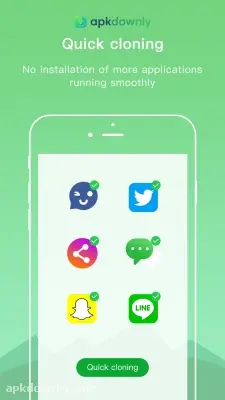
- Hit the plus button on the main dashboard to see your current apps
- Pick any application from that list to create an immediate copy.
- Open your new clone and sign in with your secondary profile.
Your cloned apps rely on the main system to operate properly. If your chat notifications stop showing up, check your Android battery saver settings. The operating system sometimes tries to close the background software to save power. You simply have to put this app on your battery whitelist so your messages arrive on schedule.
Keep an eye out for fresh updates to ensure your Dual Space APK continues working smoothly with the latest Android updates.



