
Disney+
Get this app from Google Play Store for automatic updates & security. Use APK if Play Store is unavailable in your region or you need an older version.
Screenshots
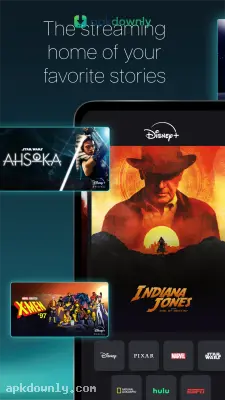

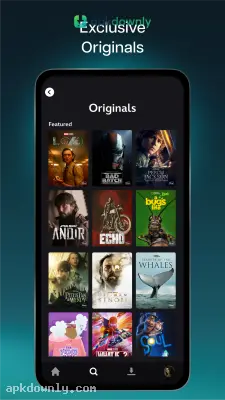

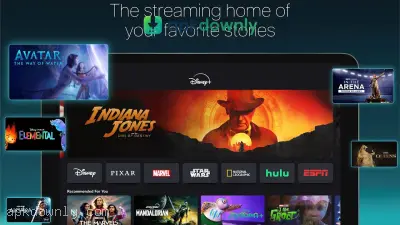


Screenshots from Google Play
More in Entertainment
View all →


About this app
Disney+ APK
Disney+ puts a massive library of entertainment right on your Android phone. Getting the Disney+ APK gives you instant access to decades of classic movies and new television series. You don't need to wait for a broadcast schedule or buy physical discs anymore. Big new movies and old cartoons land right on your phone screen.
Plenty of people fire up this app daily for Disney, Pixar, Marvel, Star Wars, and National Geographic titles. Those brands all live together in one place. You can finish a superhero film, jump to a nature doc, then start a cartoon without leaving the app.
Key Features of the Disney+ APK
The mobile app includes all the tools you expect from a premium streaming service. Here is exactly what you get when you open it.
Huge Entertainment Hub
The sheer volume of content is the main draw here. You get access to exclusive original series that you won't find on regular television. The app organizes everything into dedicated brand hubs. Want only Star Wars? Just tap that logo on the home screen. Everything else drops away, and you see just the titles you asked for.
Watch Anywhere with Offline Downloads
A long flight or weak signal can stop most streaming. The app lets you save titles right to your phone. Once they’re downloaded, you can watch full movies or whole seasons with no Wi-Fi at all. Load a few shows before a road trip, and the kids stay busy the whole way.
Profiles and Parental Controls
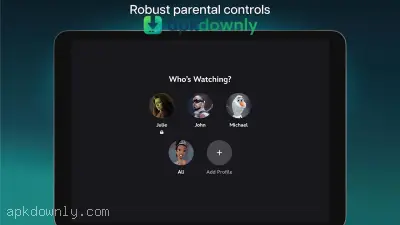
You probably share your subscription with other people in your house. You can make seven different profiles under one account. Each person keeps their own watch history and gets suggestions that fit them. And you can create specific kid profiles that filter out mature content. This keeps younger viewers safe while the adults watch whatever they want.
High-Quality Streaming
Blurry video isn’t something you have to accept on a phone. The app checks what your device can handle and plays the sharpest version available. You can watch supported titles in crisp 4K UHD. But it even offers IMAX Enhanced viewing for specific Marvel movies, giving you a taller aspect ratio that fills more of your screen.
How to Set Up the Disney+ APK
It only takes a few minutes to get everything running. You’ll be watching old favorites almost right away. Here is the exact process for installing the app on your Android device.
- Download the installation file using the secure link on our page.
- Open your phone settings and allow installs from outside the Play Store.
- Open the file from your notifications and run the installation.
- Launch the app and log in with your email, or set up a fresh account if you’re new.
- Pick an avatar and wrap up your profile setup.
- Hit the search icon at the bottom if you’re looking for one particular movie.
- Tap play on any title, and the video begins right away.
- Hit the download button next to play if you want to save the video offline.
Hook up to a steady Wi-Fi connection the first time you open the Disney+ APK. That way, the home screen with all its pictures loads without lag.





