

Get this app from Google Play Store for automatic updates & security. Use APK if Play Store is unavailable in your region or you need an older version.
Screenshots
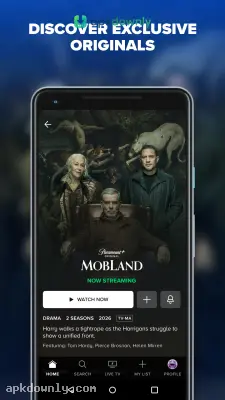
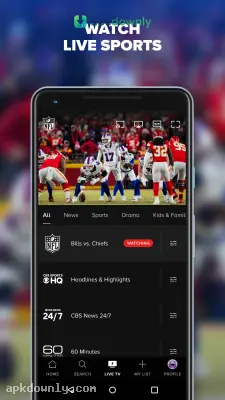


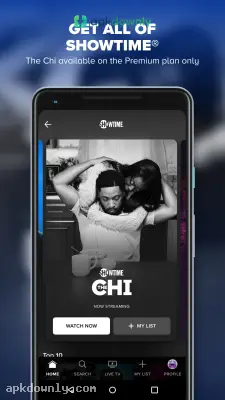
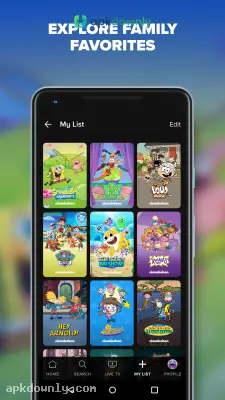
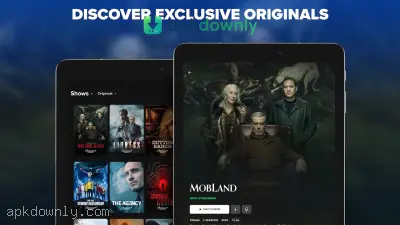

Screenshots from Google Play
More in Entertainment
View all →


About this app
Paramount+
The Paramount+ app is a streaming platform that replaces a traditional cable subscription. You install it on your Android device and get instant access to shows from CBS, MTV, and Comedy Central. It puts a massive catalog of television right in your pocket. You don't need to wait for a specific time to watch a reality TV drama. You just open the app and press play. Millions of people use it to catch up on the evening news or watch a late-night talk show on the train ride home.
What you get on the Paramount+ app
This platform holds a massive backlog of older classics and completely new original series. You'll find several big-budget sci-fi shows set entirely in the Star Trek universe. They also have gritty westerns and crime dramas created specifically for this platform. But it goes beyond standard television series.
Parents love that it comes packed with classic Nickelodeon shows. Kids can stream old SpongeBob episodes or put on newer animated movies right from a tablet. Everything gets sorted into simple hubs by network. Finding your favorite series takes just a couple of taps.
Key features you get
- Live sports: You can follow live NFL games, Champions League soccer, and college basketball as they happen. The video feed streams straight from your local CBS station.
- Offline viewing: Weak cellular reception ruins long trips. You can download episodes to your phone storage before walking out the door, so videos play without stuttering on the subway.
- Separate profiles: Sharing one account gets messy when everyone watches different things. You can set up six distinct viewer profiles and build a protected space for younger kids that blocks adult movies.
- Watchlist tracking: It's easy to forget which title you wanted to watch next. You just tap the plus sign on any movie thumbnail to pin it straight to your personal home screen list.
How to get started
Setting things up takes only a couple of minutes.
- Download the APK file from apkdownly.com and open it to begin installation. Make sure your device security settings allow apps from outside sources.
- Open the application and choose a subscription plan. You can pick the budget tier with occasional ads or spend a little more to drop commercials completely.
- Sign up with your regular email address and set up a secure password.
- Set up your main viewer profile. Pick a character avatar from your favorite series to make it your own.
- Browse through the network categories or use the search bar to find a specific show and press play.
Managing mobile data usage
Streaming video burns through your mobile data plan in a hurry. Watching a high-definition movie can consume a massive chunk of your monthly allowance in just two hours. The app has a helpful setting to force lower video quality when you are away from Wi-Fi.
This stops surprise cell phone bills at the end of the month. You can also tell the app to only download files when connected to your home network. Check your available phone storage before you open the Paramount+ app to save a full season of television for a long flight.





