

Bumble
Get this app from Google Play Store for automatic updates & security. Use APK if Play Store is unavailable in your region or you need an older version.
Screenshots


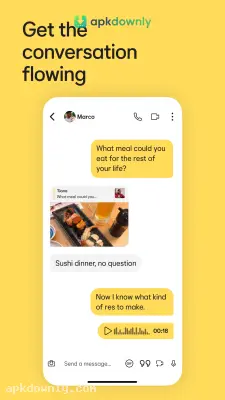

Screenshots from Google Play
About this app
Bumble
The Bumble dating app helps you find real connections on your own terms. For a long time, this platform was famous for requiring women to send the first message. They recently updated their messaging rules so anyone can start the conversation in a match.This change takes the pressure off and makes it much easier to actually talk to your matches.
It completely changes how people interact from the start. You also get a full 72 hours to reply to a new message now. You have enough time to craft a decent reply instead of firing off a dull hello. It feels calmer than having to answer within 24 hours. You can fit your dating life around your actual schedule.
What You Get with Bumble
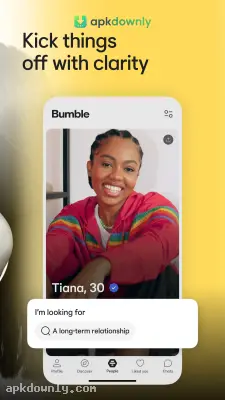
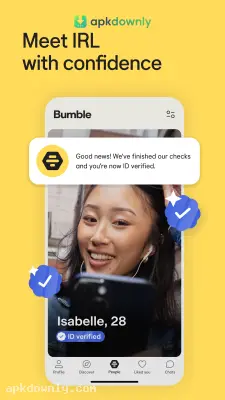
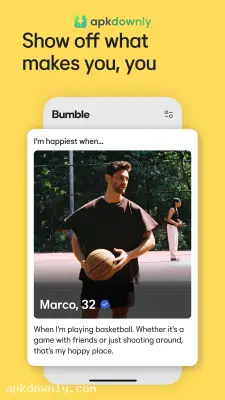
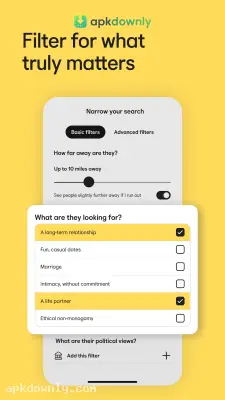
Matching well needs more than photo swipes. It asks about your height, workout habits, and what you want from dating. Short prompts let you show a bit of personality. Linking Spotify lets matches see the music you like. You can prove you're real with a quick photo check. Built-in video and voice chat let you talk before meeting in person.
There's also a mode for when you just want to hang out. The platform includes a completely separate mode called Bumble BFF. You can switch over and meet new people who share your specific hobbies or want to explore the city. Travel Mode is another great tool for active users. Change your location ahead of a trip so you can match with people there and set plans before you arrive.
For extra perks, you can upgrade to their Premium plan. Premium shows who already liked you. You can filter by education or lifestyle. It also includes unlimited swipes and Incognito Mode, which hides your profile from everyone except the people you like.
Setting Up Your Profile
It only takes a few minutes to get going. Here is how you prepare your account.
- Grab the app from our site and open it.
- Create an account and verify your details so others see you’re genuine.
- Enable location access to view people in your area.
- Choose your main mode. Choose Date if you want romance or Bumble BFF if you’re looking for friends.
- Add clear photos and fill in the prompts to make the profile feel like you.
- Begin swiping. When you match, send a message.
The algorithm takes over and shows nearby people. Use Snooze Mode to pause your account if you need a break from dating apps for Android. Your previous matches stay saved while you rest.
Getting Better Results on Bumble
Talking to strangers online can feel off. This app helps you find people who want the same things. The 72-hour window keeps the pace comfortable. On Bumble you choose who to talk to and how the chat goes.
Add a couple of recent photos to your profile and send that first message today.



