
Agoda
Get this app from Google Play Store for automatic updates & security. Use APK if Play Store is unavailable in your region or you need an older version.
Screenshots

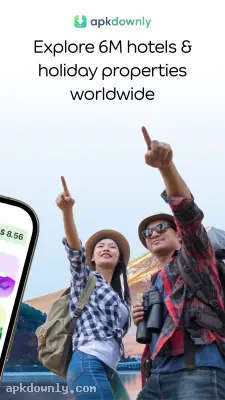
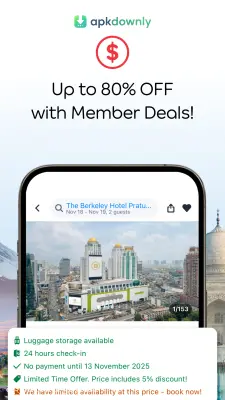
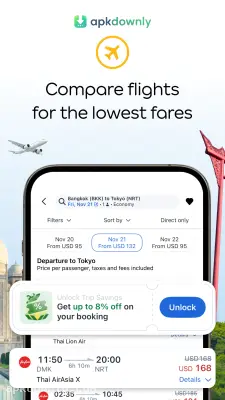
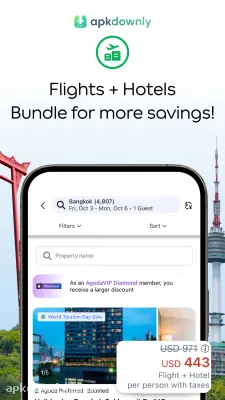
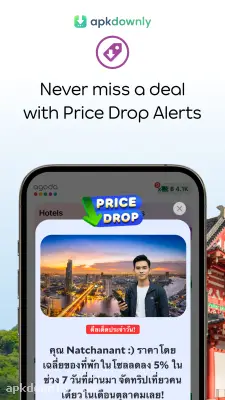
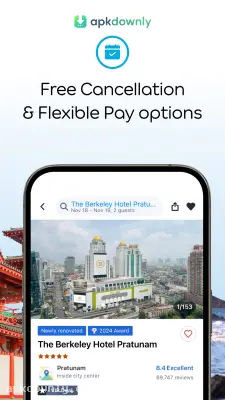
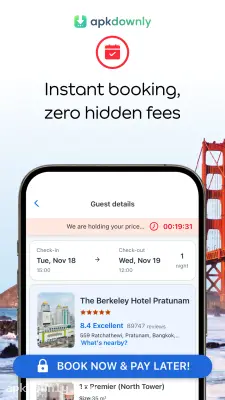
Screenshots from Google Play
About this app
Agoda
Planning a trip usually means keeping a dozen browser tabs open. Agoda is a booking platform that fixes that problem. Most of us know it as a site to find cheap hotel rooms. But it handles a lot more than that now. The Agoda app lets you book flights, hostels, and private vacation rentals from your phone. You can set up an entire week of travel while sitting on your couch.
Flights and Airfare Deals
They recently added a massive flight search engine to the platform. You can look up domestic and international routes from over 200 different airlines. And the system updates prices constantly so you see the real cost. It even pairs different airlines together sometimes to get you a cheaper round trip. This helps immensely when your dates are flexible, and you just want the absolute cheapest ticket out of town.
Millions of Places to Sleep
Finding a place to stay is still what this hotel booking app does best. You have access to millions of properties across the globe. We are talking about everything from a basic bed in a shared backpacker dorm to massive beach resorts. You can also find private villas and apartments if you prefer something other than a standard hotel. The filters let you sort by what actually matters. You can check boxes for free breakfast, a swimming pool, or late check-out.
Mobile Discounts and Maps
Browsing on your phone actually saves you money here. Agoda hides specific discounts, member offers, and sudden price drops. You only see them if you use the mobile version instead of a computer browser.
Also, hotel pictures can be very misleading. So the app includes a big interactive map. You can pinch and zoom to see if your room is actually near the water or stuck next to a loud highway. Verified reviews from people who just checked out help clear up any remaining doubts before you spend your money.
How to Start Using the Agoda APK
Getting your account ready takes almost no time at all. Here's how you book your first trip.
- Download the app. You can get the official version from the store or download the Agoda APK file and install it straight on your Android phone.
- Make an account. Logging in lets you see those hidden mobile discounts and save your payment details for later.
- Pick your travel type. Tap the airplane icon at the top for flights or the bed icon if you want a room.
- Set your filters. Enter your destination city. Then move the price bar to match your budget and choose your dates.
- Read the rules. Open a property to check the cancellation policy before you enter your card details. Nobody wants surprise fees later.
- Pay and confirm. Choose your room or flight and pay with a card or PayPal.
Keeping Your Trip Organized
After you pay, the app stores your confirmation vouchers offline. Trying to open a confirmation email at a foreign airport with weak Wi-Fi gets frustrating fast. The app fixes that because you don’t need an internet connection to show your booking ID to the receptionist.
If you booked a private apartment, you can use the built-in chat to message the host directly. It’s a simple way to ask about keys or an early check-in. Keep push notifications on so the Agoda app can tell you if a flight you’re watching gets cheaper.



