

Uber Eats
Get this app from Google Play Store for automatic updates & security. Use APK if Play Store is unavailable in your region or you need an older version.
Screenshots
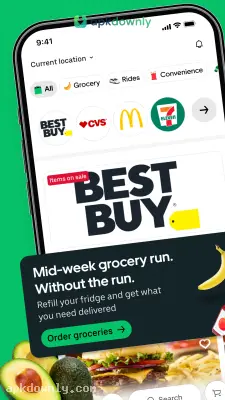
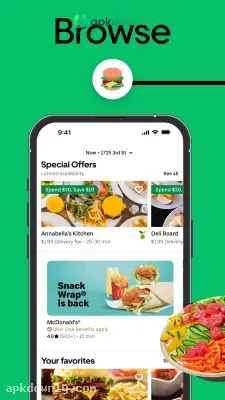
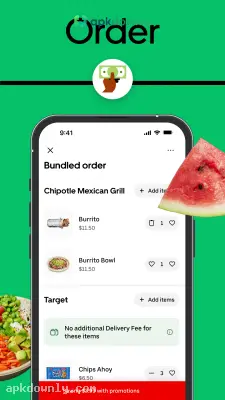
Screenshots from Google Play
About this app
Uber Eats
Cooking a full meal after a long day at work is hard. The Uber Eats app takes the pressure off by bringing restaurant meals right to your door. The app connects you directly to thousands of local kitchens. You can grab morning eggs, a fast sandwich for lunch, or a midnight burger without leaving your seat. It uses the same big network of drivers that handles regular Uber rides. That means a driver is almost always close by to pick up your food. The platform is built for people who want to order food online and skip the dishes entirely.
Key Features of the Uber Eats App
This platform offers several tools to make getting your dinner easier. Here are the main things you can do right now.
Menus from Local Restaurants:
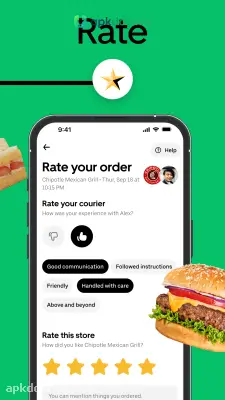
You can look through menus from big fast-food chains and small local restaurants. A simple search tool helps you find exactly what you crave. Just type in pizza, cold brew coffee, or salads to see who is cooking right now. You can quickly read through customer ratings to make sure you do not end up with a terrible meal. Menus update constantly, so you always know if an item is sold out.
Grocery and Convenience Delivery:
You might just need pantry basics without the drive. The app teams up with corner stores and grocery chains to bring you regular household items. Grab a gallon of milk, coffee beans, or paper towels. A driver typically leaves these small grocery runs at your door in under half an hour.
Live GPS Tracking:
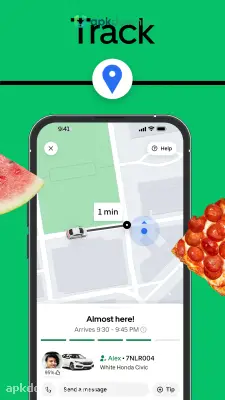
Waiting for food gets frustrating. You don’t have to guess when your dinner will show up. The map shows your driver from the moment they leave the restaurant. You watch their car move down the streets in real time. It updates your transport clock constantly so you know precisely when to open the front gate.
Group Ordering:
Ordering for a big organization used to involve passing a single cellphone round. That’s not a problem anymore. You can start a group order and share a link with your friends. Everyone adds their own food from their own devices. It puts everything into a single checkout cart to make paying simple
How to Set Up The Uber Eats APK
Getting your profile ready takes just a few minutes. Here is how you place your first food order.
- Download the software. Get the regular version from your app store or install the Uber Eats APK file straight on your Android phone. 2. Sign in. If you take regular Uber rides, just log in with your normal password.
- Enter your address. Type your street name and apartment number so the system only shows kitchens willing to drive to you.
- Pick your food. Tap a diner, read through the options, and toss the dishes you want into your digital cart.
- Check for deals. Open the promotions tab first. You can normally spot a loose delivery code or a two-for-one deal to keep some bucks.
- Pay and confirm. Select a credit card, PayPal, or Uber Cash to finish checkout safely.
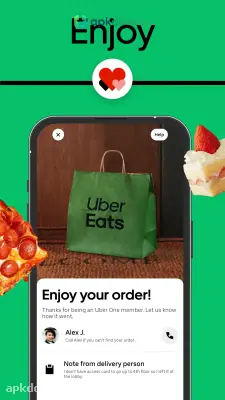
- Track the driver. Leave your display directly to the auto and concentrate for a knock at the door.
You can skip the delivery charge entirely by switching your order to pickup and grabbing the bag yourself. Keep your phone ringer loud so the Uber Eats app can ping you if a driver gets lost finding your street.



