
PUBG MOBILE LITE
Get this app from Google Play Store for automatic updates & security. Use APK if Play Store is unavailable in your region or you need an older version.
Screenshots
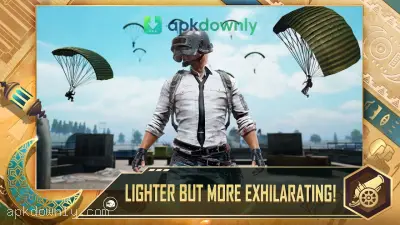
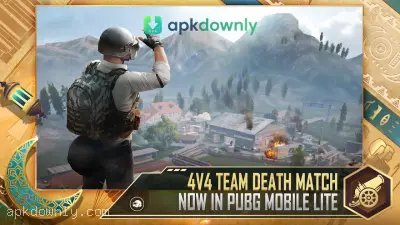
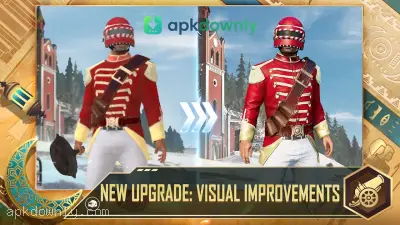
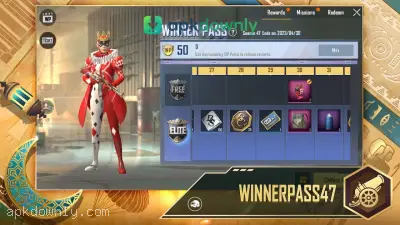
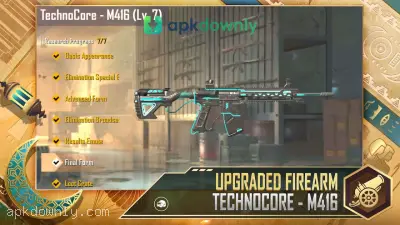
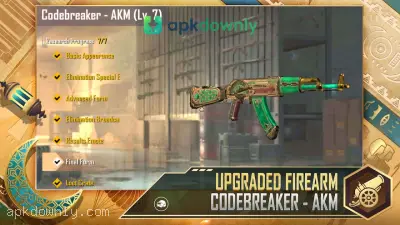
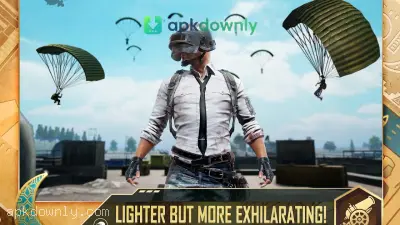
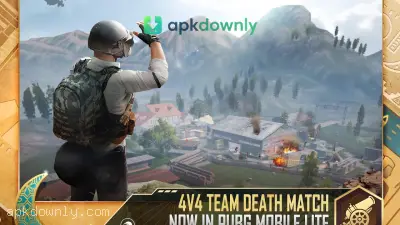
Screenshots from Google Play
More in Action
View all →


About this app
PUBG Mobile Lite
PUBG Mobile Lite is a smaller, less demanding version of the famous battle royale game. Millions of people with budget phones simply could not run the main game without constant lag. The developers built this version specifically for older Androids. You get the exact same survival experience, but it actually runs smoothly on phones with just 1GB or 2GB of RAM. Downloading the PUBG Mobile Lite APK gets you into the action without forcing you to buy a new device.
Why Choose the PUBG Mobile Lite APK
Everything about this version is built for speed and efficiency. Instead of dropping 100 players onto a massive island, the game limits matches to 60 people. The map, named Varenga, is a 2x2 kilometer square. This smaller size forces players together faster. You spend much less time running across empty fields looking for enemies.
Because the map is compact and the player count is lower, matches wrap up quickly. A typical round lasts about ten minutes. You can easily play a full game while riding the bus to work.
And it saves your phone's storage. The standard game eats up several gigabytes and constantly demands more room for updates. This lite version requires around 600MB to start. The graphics are scaled down, but the core visual style remains intact. You can still spot enemies hiding in the grass or sniping from a window.
Gameplay Changes for Low-End Devices
Playing on older hardware makes precise aiming difficult. To fix this, the developers increased the aim assist significantly. The game helps your crosshairs stick to moving targets when your frame rate dips. Weapons also have noticeably less recoil. You can spray an AKM assault rifle without the barrel bouncing wildly out of control.
The loot density is much higher here too. You find better weapons, level three armor, and medical kits sitting in almost every house. You rarely have to search three different buildings just to find a basic pistol. You grab gear instantly and start fighting.
You still have to worry about the shrinking blue zone. It pushes everyone closer together as the timer ticks down. Vehicles like buggies and motorcycles spawn near the roads to help you escape the blue wall if you land on the edge of the map.
Team Up with Friends
You do not have to play alone. The game includes the standard squad mode that made the original so popular. You can team up with three other friends using voice chat to plan your attacks. The audio system works well on mobile data, so you can call out enemy locations clearly. There is also an arcade mode if you want even faster shootouts with specific weapon rules.
How to Install and Play
Setting the game up requires a manual installation. The process takes just a few steps.
- Download the installation file from our secure link.
- Open your Android settings and tap on the security section.
- Allow your phone to install apps from unknown sources.
- Click on the downloaded file to run the installer.
- Launch the game and connect your social media account to save your progress.
Make sure your phone has at least 1GB of free space before installing the PUBG Mobile Lite APK to avoid update errors.





