

Get this app from Google Play Store for automatic updates & security. Use APK if Play Store is unavailable in your region or you need an older version.
Screenshots

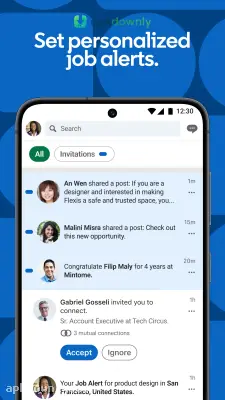


Screenshots from Google Play
More in Business
View all →


About this app
About Linkedin
LinkedIn APK is the Android version of the professional networking app that most people already know from the website.
You install it, and suddenly you can check messages, update your profile, or look at job openings while you’re on the bus or waiting in line. It does the same basic stuff as the full site, just on a smaller screen.
LinkedIn APK key features
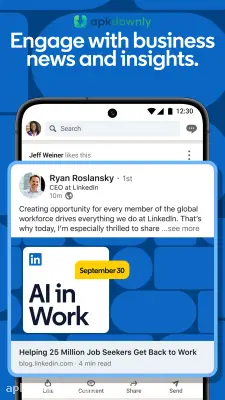
The feed is the first thing you see. Posts from people you know and companies you follow show up there. Some are short status updates. Others are longer pieces about work or industry news. You can react, drop a quick reply, or pass something along when it clicks with you.
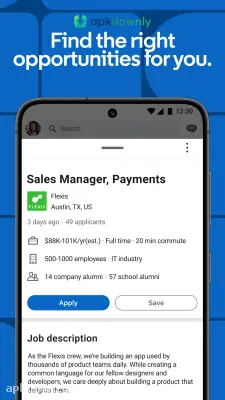
Looking for work within the app is straightforward. It's possible to type in a job title or company and make a few adjustments to filters. Additionally, it's possible to set up alerts for new jobs that appear so that the user can apply to them later. Some posts even allow the user to apply directly with information from their profile. You skip uploading a brand-new resume each time.
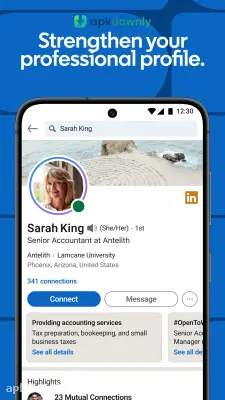
Your profile works more like a resume you can tweak any time things shift. Drop in old roles, skills, school info, and a brief note on what you actually do. A clear photo makes a difference. People who know your work can back up your skills or leave a recommendation.
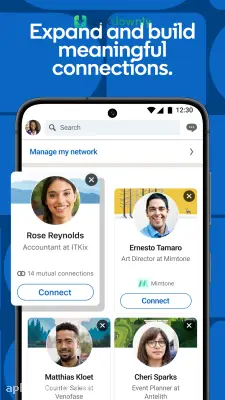
Messaging runs about how you’d guess. Talk with folks you’re already linked to, or fire off a connection invite with a short line attached. The network section also surfaces names based on places you’ve both worked or studied.
And you can follow company pages or people in your field. That keeps the feed from filling up with random stuff.
How to start with LinkedIn APK
- Get the LinkedIn APK from a trusted place and install it on your device.
- Open the app and sign in with the account you already use, or make a fresh one with your email.
- Add the key profile details. Name, current role, a photo, and a short headline get you started.
- Select some topics or companies that you want to find the most relevant posts about.
- Connect with people you actually know from work or school. A short personal message will help with this;
- Set up a few job alerts and remember to check the Jobs tab on a regular basis.
Once you have created your account, remember to occasionally visit the app to update your profile, depending on your work experience or skills. You can also post something if you want. The free version of the app is perfect for everyday use. Update the app whenever a newer version comes out so that it will continue to run clean. If the Play Store is not an option where you live, the LinkedIn APK will still get the job done on Android.



