

PayPal
Get this app from Google Play Store for automatic updates & security. Use APK if Play Store is unavailable in your region or you need an older version.
Screenshots


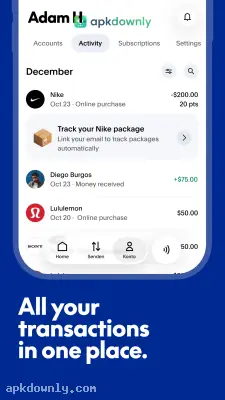

Screenshots from Google Play
More in Finance
View all →


About this app
PayPal
PayPal is a mobile application that holds your credit cards and bank details in one secure place. It acts as a middleman between your bank and the stores where you shop. If you want to handle your finances on your Android device, downloading the PayPal APK is a solid start. You link your funding accounts once. After that, you never have to type your sixteen-digit card number into a mobile checkout screen again. You just use your email address to log in and pay.
What You Do with This Digital Wallet
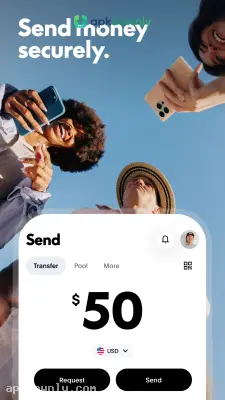
The main reason people use this app is to send money back and forth. You open the app and type in a friend's email address or phone number. Then you enter the exact amount you want to send and tap the confirm button. The cash moves straight from your account to theirs. It makes splitting a restaurant bill very simple.
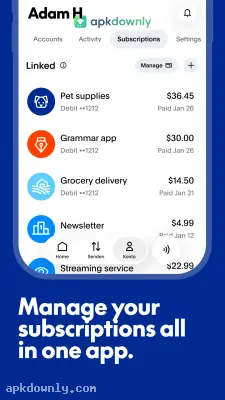
You also use it to buy things from mobile websites and other apps. Most online stores have a specific yellow button for this service right next to the regular credit card option. You tap that button, approve the total on your screen, and the transaction is done. You can review your entire transaction history right on your phone screen to see where your money goes each month.
Key Features for Online Payments
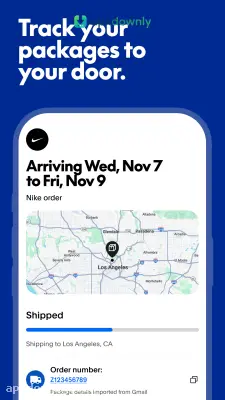
The app handles much more than basic transfers. It can track your shipped packages directly on your phone. You watch a box move from the warehouse to your front door without searching your email for tracking numbers. The app also lets you split large purchases into smaller payments. You select the pay-in-three option during checkout. The system breaks the total cost into manageable chunks that you pay back over time.
You can even send funds across borders. The app uses a built-in service called Xoom to move your money to people in over one hundred countries. And your personal details stay completely hidden during these transactions. The store never sees your actual credit card number or bank routing info. They only see the approved transfer.
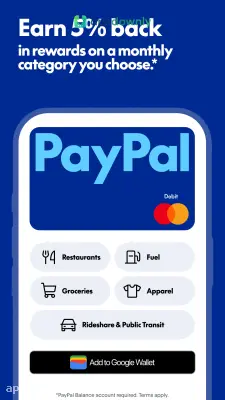
There is also a rewards system attached to your account. Using the app at certain stores earns you points. You can redeem those points later to discount your future purchases. You can even add virtual gift cards to your account by typing the code into your wallet tab.
How to Install the PayPal APK
Putting this financial tool on your phone takes just a couple of minutes. Here are the steps to get your account set up.
- Download the installation file from a secure website straight to your device storage.
- Go into your phone settings and find the privacy or security options.
- Turn on the permission that lets your phone install apps from unknown sources.
- Open your file browser and tap the downloaded file once.
- Follow the short instructions on your screen to finish the setup.
Open the app and provide an email address to create your user profile. Grab the PayPal APK today to keep all your payment methods in a single spot. Always turn on two-factor authentication to protect your linked bank accounts.



