
Call of Duty Mobile
Get this app from Google Play Store for automatic updates & security. Use APK if Play Store is unavailable in your region or you need an older version.
Screenshots
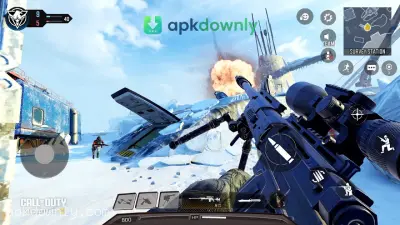
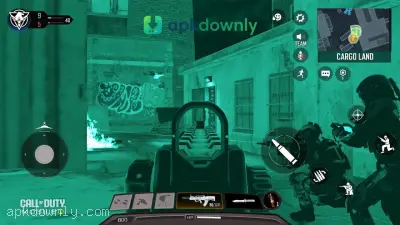
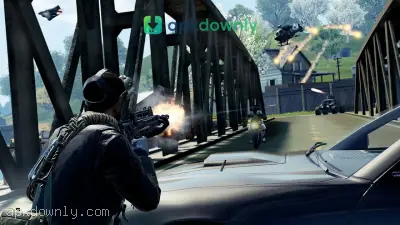
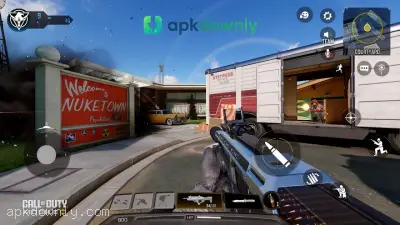
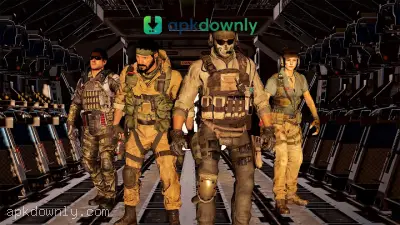
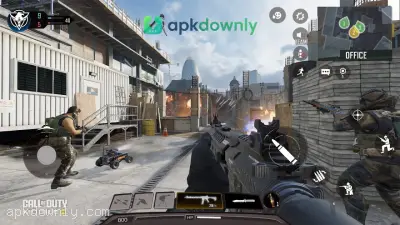

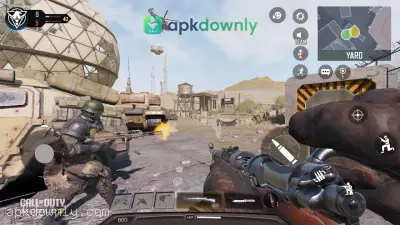
Screenshots from Google Play
More in Action
View all →


About this app
Call of Duty Mobile
The Call of Duty Mobile APK brings a console favorite straight to your Android phone. It is a massive first-person shooter that fits right in your pocket. You get the iconic maps, familiar characters, and the same rush of calling in a scorestreak. And since it's free to play, you can start playing the action without spending a dime.
What Makes This Mobile Shooter Stand Out?
Most games struggle to make touch controls feel good. Yet this mobile version handles it perfectly. The layout of the touchscreen controls is completely up to you. Drag the shoot icon wherever you want, make the minimap larger, and tweak how fast you look around. Or just connect a Bluetooth controller if you prefer the old-school feel.
You aren't stuck playing just one type of match. The app packs in a lot of variety. You have the option to drop into fast-paced team matches. Options range from securing objectives to standard elimination modes. You fight across familiar locations from the older console releases.
For larger-scale fights, the survival mode throws you onto an island with ninety-nine other people. You can fly helicopters, drive ATVs, and scavenge for armor to be the last squad standing. You can play this mode solo, or team up with friends in duos and four-person squads.
Then there is the Gunsmith feature. Playing matches unlocks different parts to modify your guns. You get to change the sights, grips, and muzzles. Need a heavy machine gun that pulls up to your eye quicker? You can build it. Need a sniper rifle with less recoil? You can build that too.
The game also rolls out a new season every month. That brings updated reward tracks, different character skins, and special modes to try out. You always have a reason to log back in because the content updates regularly.
Setting Up the Game on Your Phone
Putting the app on your device only requires a couple of minutes. The initial download is around 2 GB. But you will want plenty of extra space. Downloading all the high-quality graphics and extra maps can push the total storage past 15 GB.
- Start your COD Mobile download from a trusted source like our site.
- Open your phone's settings and allow installations from unknown sources.
- Tap the downloaded file to install the game on your Android device.
- Launch the app and let it download the necessary in-game updates.
- Log in as a guest, or link your social account to save your progress across devices.
Tips for New Players:
Starting out can feel overwhelming when everyone else seems to know the maps perfectly. Try sticking to the unranked multiplayer matches first. This helps you learn the layout of maps like Crash and Crossfire without losing rank points.
Sound is a big part of this game. Wearing headphones lets you hear enemy footsteps before they turn a corner. It gives you a massive advantage over players relying on their phone speakers.
Also, pay attention to your loadouts. Try to avoid choosing a weapon just because it has a nice camouflage pattern. Experiment with different perks. Using the "Ghost" perk keeps you off enemy radar. That helps a lot when the other team calls in a UAV. And always remember to use your grenades. A well-placed smoke grenade can cover your team while capturing a flag in Domination.
Clear out your storage space, grab the Call of Duty Mobile APK, and set up your first custom loadout.





