
X (Twitter)
Get this app from Google Play Store for automatic updates & security. Use APK if Play Store is unavailable in your region or you need an older version.
Screenshots
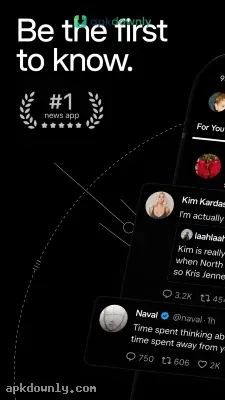
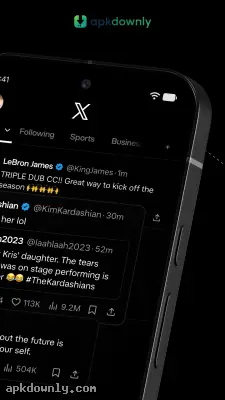

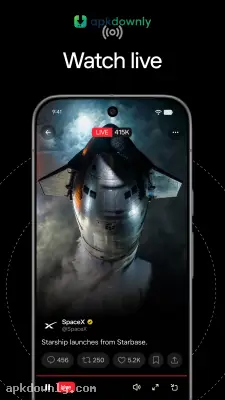

Screenshots from Google Play
About this app
X APK
Twitter changed its name to X a while back. Most people still just call it Twitter. The app itself hasn't lost its main purpose. It is the place you go to see live reactions to football games, read breaking news, or follow internet drama.
And let's be honest, the official app stores can be annoying sometimes. Updates get stuck on pending. Or they roll out a cool new feature to one country and make everyone else wait a month. Sometimes you might be using a phone without Google services entirely. That is when you need the X APK. Downloading the file directly fixes the issue so you can get back to scrolling.
What You Get With the App
The layout hasn't changed drastically in recent years. But they have shoved a few new things into the menus.
The Two Timelines:
The app defaults to a For You tab. It tracks what you watch and pushes similar videos and posts into your feed. If you hate that, just swipe over to the Following tab. That one only shows posts from people you actually hit the follow button on. And it stays in chronological order.
Grok AI Summaries:
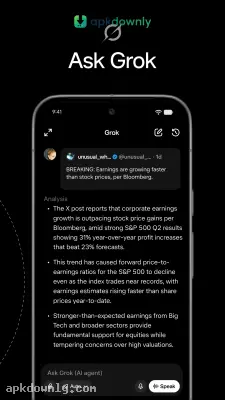
There is an AI bot called Grok built into the app now. You will find it hanging out in the search menu. You can ask it questions about why a certain hashtag is trending. It spits out a quick summary so you don't have to read hundreds of angry posts to figure it out.
Community Notes:
This feature actually fixes a lot of problems. When someone posts a fake image or a highly edited news headline, regular users vote to add context. A little box appears under the bad post with actual facts and source links. It cuts down on the spam significantly.
Audio Spaces and Direct Messages:
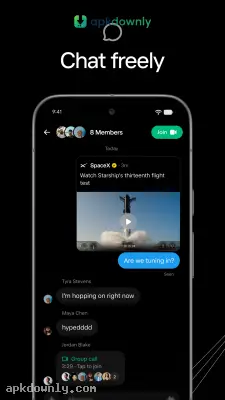
Audio rooms called Spaces are still a big part of the app. You can jump in and listen to people argue about tech or politics live. The private messages work like any standard chat app. You can send voice clips, text, and videos to friends without anyone else seeing them.
Posting Limits:
Standard accounts get to post short videos and limited text. But if you pay for a premium subscription, they bump up your limits. You can write massive articles right in the timeline. You can also upload huge video files, which is why you see full podcast episodes floating around on the app now.
How to Install X APK on Android
Sideloading the app takes about two minutes.
- Download the X APK from our secure link on apkdownly.com.
- Open your Android settings and tap on Security or Privacy. Turn on the switch for Install Unknown Apps for your browser.
- Go to your Downloads folder and tap the downloaded file.
- Press Install, wait a few seconds, and log in with your username.
Fixing Common Sideloading Problems
Sometimes Android blocks the installation. App files get corrupted during download if your Wi-Fi drops. Just delete the file and try downloading it again.
If the install outright fails, you probably have an old version of X stuck on your phone. The system gets confused when the digital signatures clash. Delete the old app entirely from your home screen.
Also, check your phone storage space. This package needs at least 200 MB of free space to install properly. If your phone is full of old videos, clear some out first.
Grab the X APK today and update your feed.



